Choosing the Right Wireless Webcam for Laptops

application/wireless-webcam-for-laptop, application/wireless-webcam-for-laptop, 
Inquiry
Inquiry

Wireless webcam for laptop

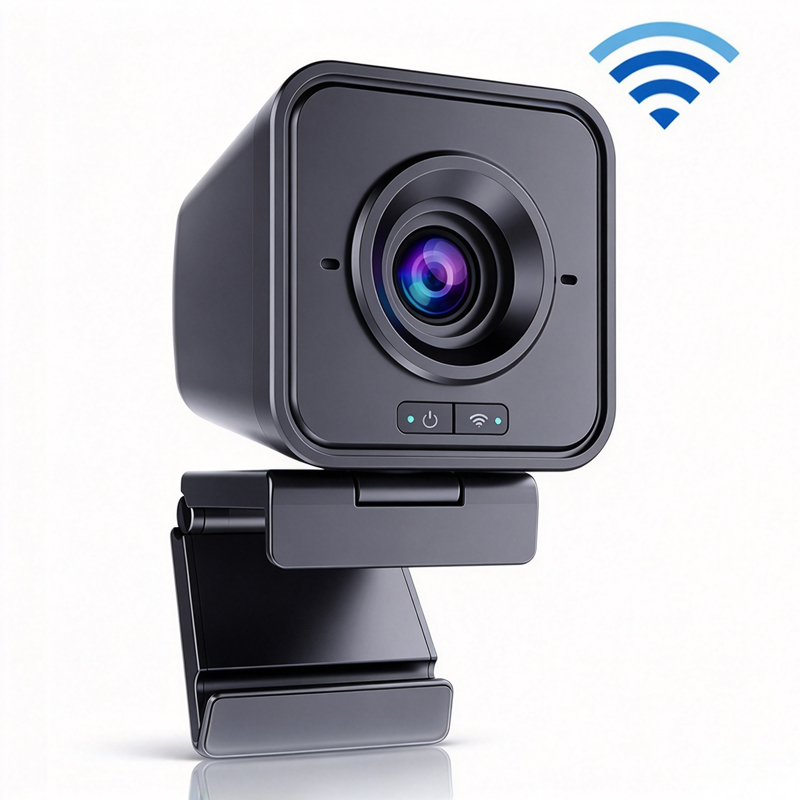
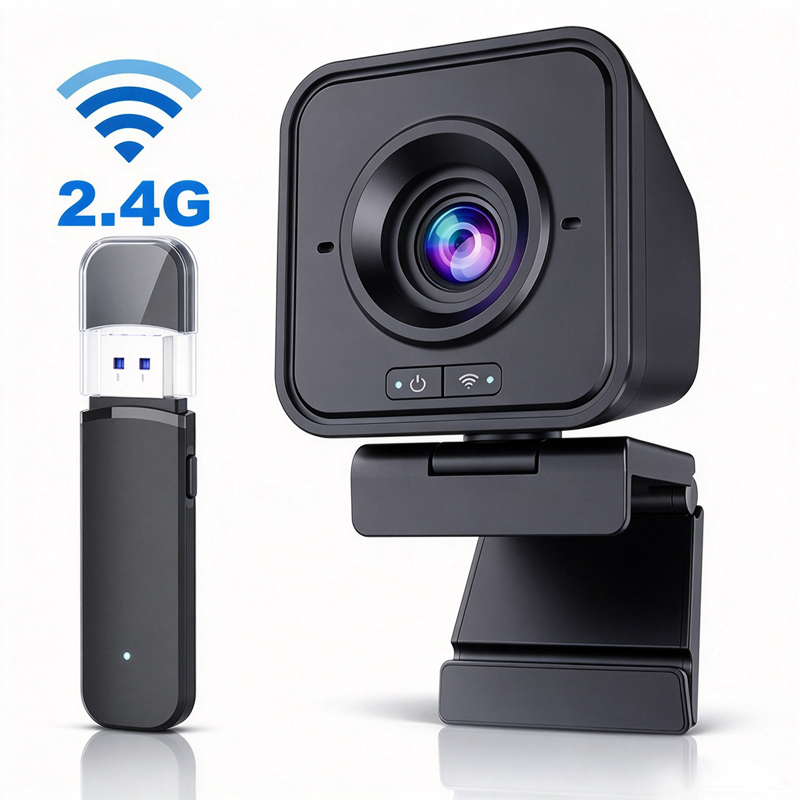
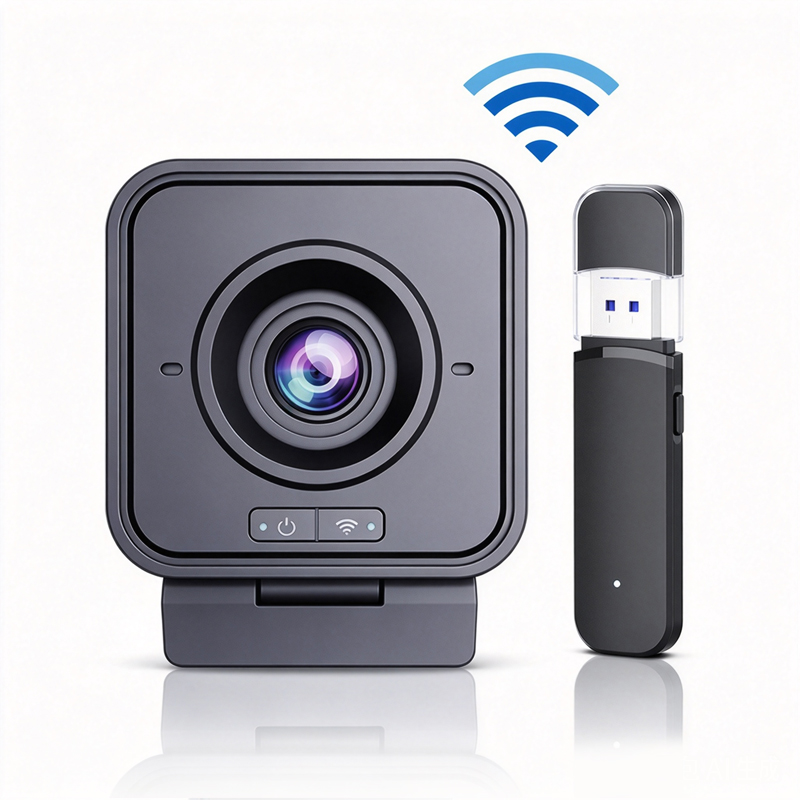
Wireless webcams for laptops have become essential tools for businesses, educators, and telemedicine providers, enabling high-quality video communication without the hassle of cables. As a B2B buyer, you may have concerns about performance, compatibility, and the overall quality of these devices. This article aims to provide you with valuable insights into selecting the right Wireless Webcam, evaluating quality for bulk purchases, finding reliable suppliers, understanding cost factors, and comparing specifications for optimal performance.

How to Evaluate the Quality of Wireless Webcams for Bulk Purchase

How to Evaluate the Quality of Wireless Webcams for Bulk Purchase

Evaluating the quality of wireless webcams when considering bulk purchases involves a thorough examination of several factors. First, request sample units to test in real-world conditions before finalizing any orders. Assess the build quality, image performance, and audio clarity during these tests. Pay attention to the user experience, including ease of installation and operation. 

Next, inquire about the manufacturer's quality control processes. A reliable manufacturer should have stringent testing protocols in place, including assessments for durability, functionality, and user safety. Look for detailed documentation on product performance and any third-party testing results to validate quality claims. Another critical aspect is warranty and support options. 

A robust warranty indicates confidence in the product's longevity and performance, while responsive customer support can be invaluable for troubleshooting issues that may arise during use.

Where to Find Reliable Suppliers for Wireless Webcams in Bulk

Where to Find Reliable Suppliers for Wireless Webcams in Bulk

Finding reliable suppliers for wireless webcams in bulk requires research and due diligence. Start by attending industry trade shows and conferences, where manufacturers showcase their latest technologies and products. This allows for face-to-face interaction and immediate feedback on product specifications. 

Online platforms such as industry-specific B2B marketplaces and directories can also be useful. Look for suppliers with positive reviews and a solid track record in providing quality video communication equipment. Consider reaching out to other companies in your industry for recommendations and experiences with specific suppliers. 

Once you identify potential suppliers, request detailed product catalogs, pricing information, and minimum order quantities (MOQs) to facilitate informed decision-making. Do not hesitate to ask for references or case studies from previous clients to assess reliability and customer satisfaction.

Cost Factors to Consider When Sourcing Wireless Webcams for Projects

Cost Factors to Consider When Sourcing Wireless Webcams for Projects

When sourcing wireless webcams for projects, several cost factors should be considered to ensure you stay within budget while obtaining quality products. The initial purchase price is obviously important, but other costs can affect the overall investment. For instance, consider the total cost of ownership, which includes installation, maintenance, and potential upgrades. 

Volume discounts can significantly reduce unit costs, so always inquire about pricing tiers based on order quantity. Additionally, account for shipping and handling fees, especially if importing from overseas. These costs can vary widely depending on the supplier's location and shipping methods. Another factor to keep in mind is the longevity and reliability of the 2K Webcam. 

A higher upfront cost may be justified if the product has a longer lifespan and requires less frequent replacement. Consider the manufacturer's warranty and support services, as they can also impact long-term costs related to repairs and replacements.

Comparing Wireless Webcam Specifications for Optimal Performance

To ensure you select the best wireless webcam for your needs, it's crucial to compare specifications across different models. Start with resolution, as it directly affects video quality. Higher resolutions, such as 4K, are preferable for professional environments where detail is crucial. Next, examine the frame rate. A higher frame rate (e. g., 60 fps) can provide smoother video, which is particularly important for fast-moving presentations or demonstrations. 

Focus also on the webcam's FOV; a wider angle can capture more participants in a conference setting. Microphone quality is another vital specification. Look for webcams that offer multiple microphones or advanced audio technology to ensure clear sound. If applicable, check for additional features like privacy shutters or integrated lighting options, which can enhance functionality and user experience. Lastly, consider the connectivity options. While most wireless webcams use Wi-Fi, some may offer Bluetooth compatibility or USB connections. 

Ensure the webcam can easily integrate with your current technology stack, including laptops and conferencing systems. By understanding these critical specifications and considerations, you can make informed decisions when sourcing wireless webcams for your organization, ensuring alignment with your performance and operational needs.  

Key Features to Consider When Selecting a Wireless Webcam for Laptops

When choosing a wireless webcams for laptops, several key features should be taken into account to ensure suitability for your specific application. First and foremost, resolution is critical; look for a 4K Webcam that offers at least 1080p HD quality to guarantee clear video during meetings and presentations. For those in sectors like telemedicine, a 4K resolution may be necessary to ensure precise visual detail. 

Next, consider the field of view (FOV). A wider FOV is essential for capturing larger groups in conference settings. Features such as AI auto-tracking can also enhance user experience by keeping the speaker in focus, making it ideal for dynamic presentations. Additionally, ensure the webcam includes built-in noise reduction technology to improve audio clarity, especially in noisy environments. 

Compatibility with various operating systems and platforms is another important aspect. Confirm that the webcam works seamlessly with your preferred software for video conferencing and streaming. Lastly, check for certifications like CE, FCC, and RoHS, which indicate compliance with international safety and environmental standards.

Frequently Asked Questions

What wireless connection options are supported?

Our wireless webcam supports Wi‑Fi and Bluetooth connectivity for low-latency video and audio streaming, with driver-free USB fallback for compatibility.
Yes. Moertek's wireless webcam delivers up to 4K resolution with clear imaging optimized for conferencing and telemedicine.
Yes. The webcam includes AI auto-tracking to keep speakers centered and in focus during meetings, suitable for classrooms and conference rooms.
Built-in array microphones and advanced noise reduction provide clear voice capture and reduce background noise for professional calls and recordings.
Moertek products carry CE, FCC, and RoHS certifications. OEM/ODM customization is available for enterprise, education, and medical deployments.

Get a Free Quote

Our representative will contact you soon.
0/1000