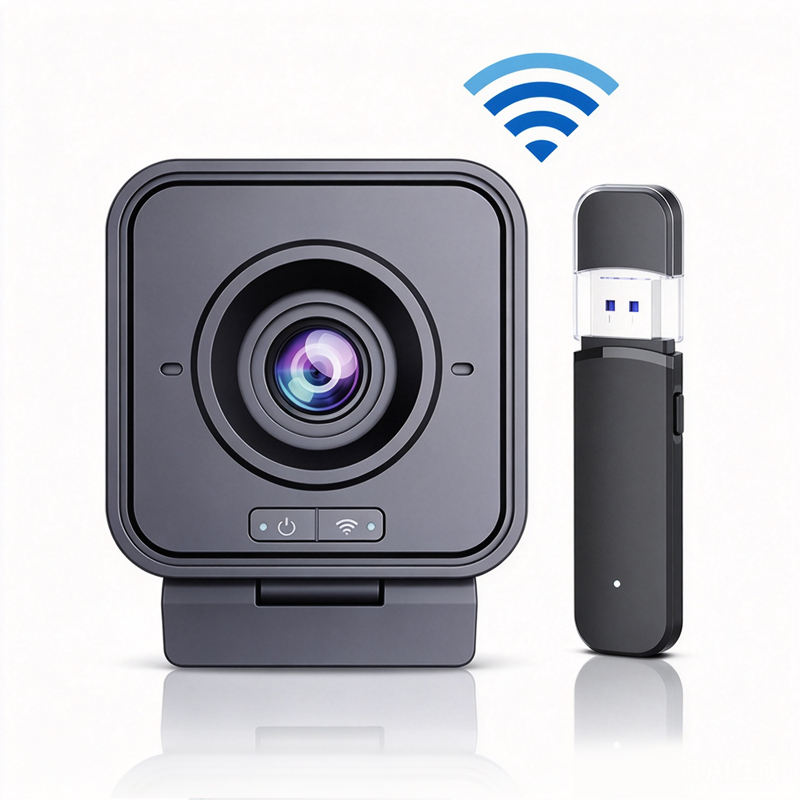
Evaluate Wireless Computer Cameras for Your Needs

application/wireless-computer-camera, application/wireless-computer-camera, 
Inquiry
Inquiry

Wireless computer camera

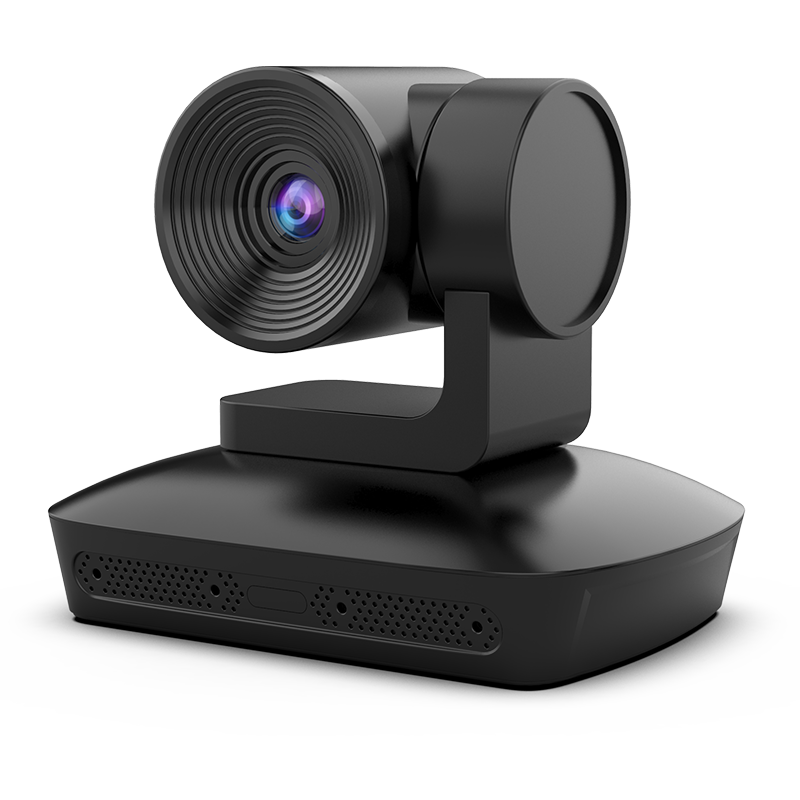
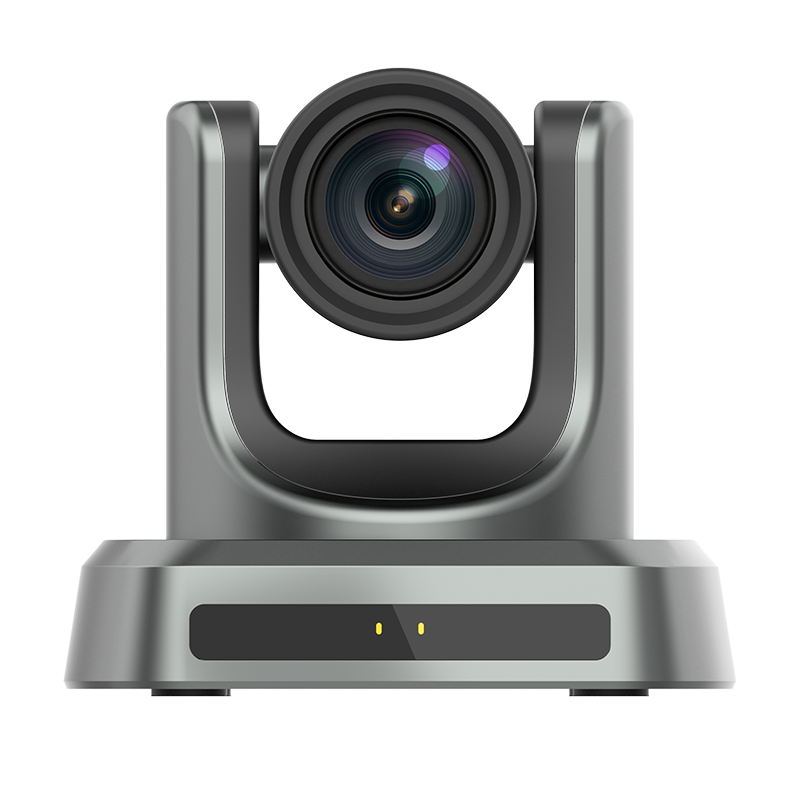
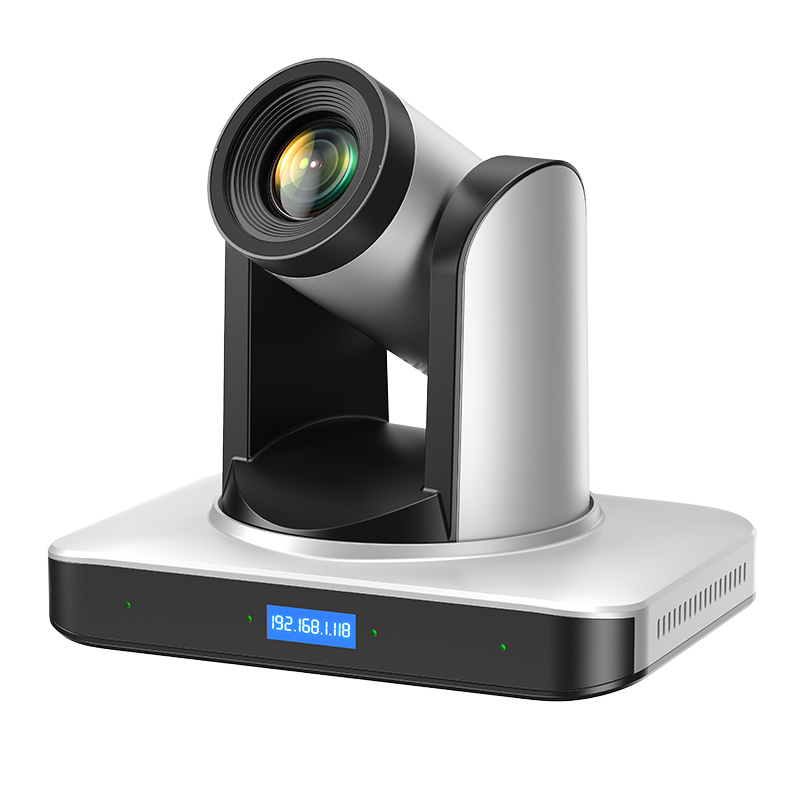
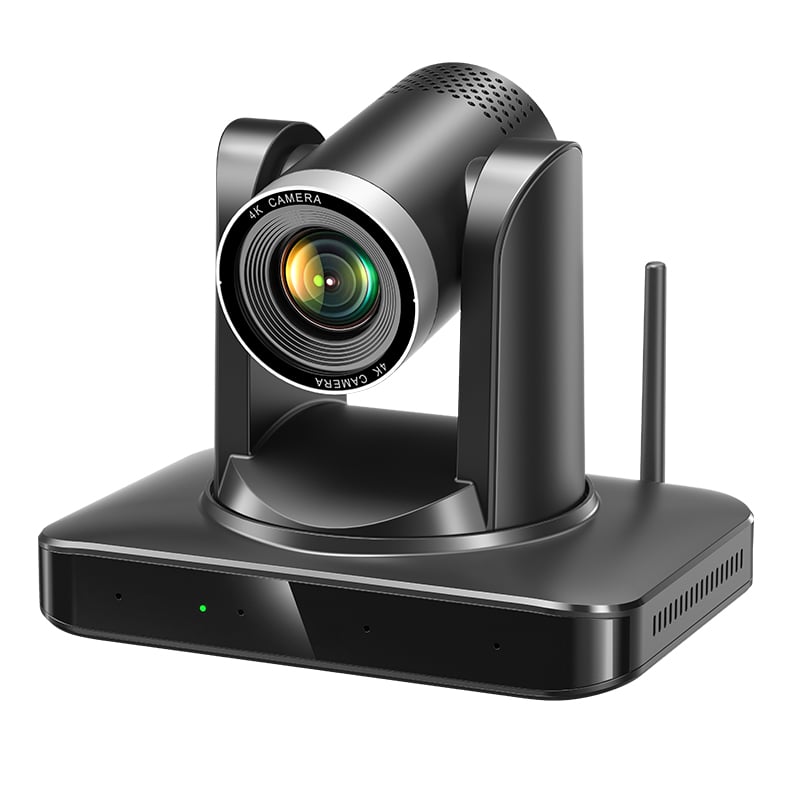
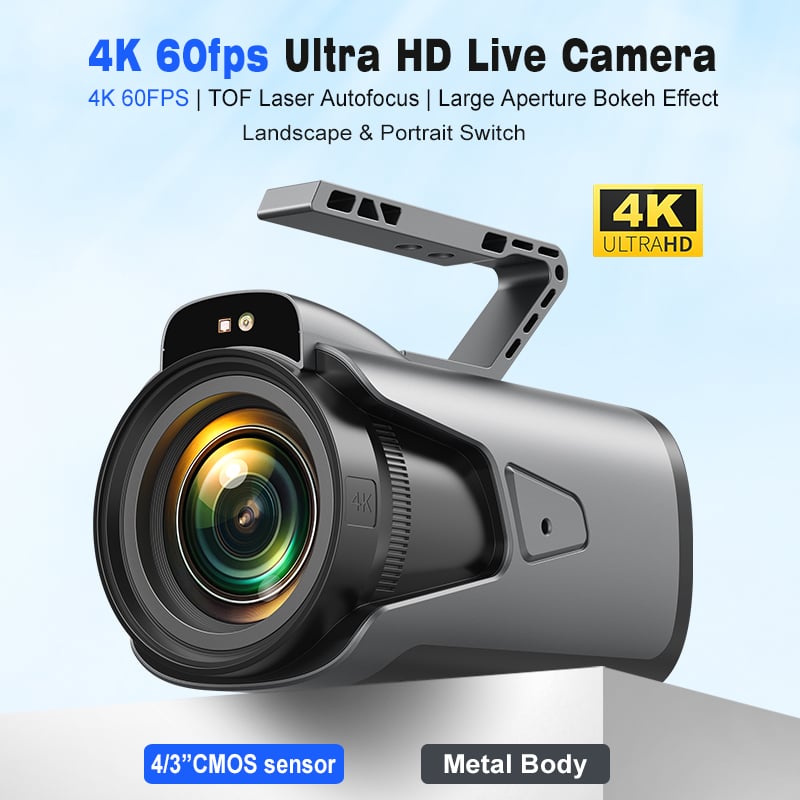
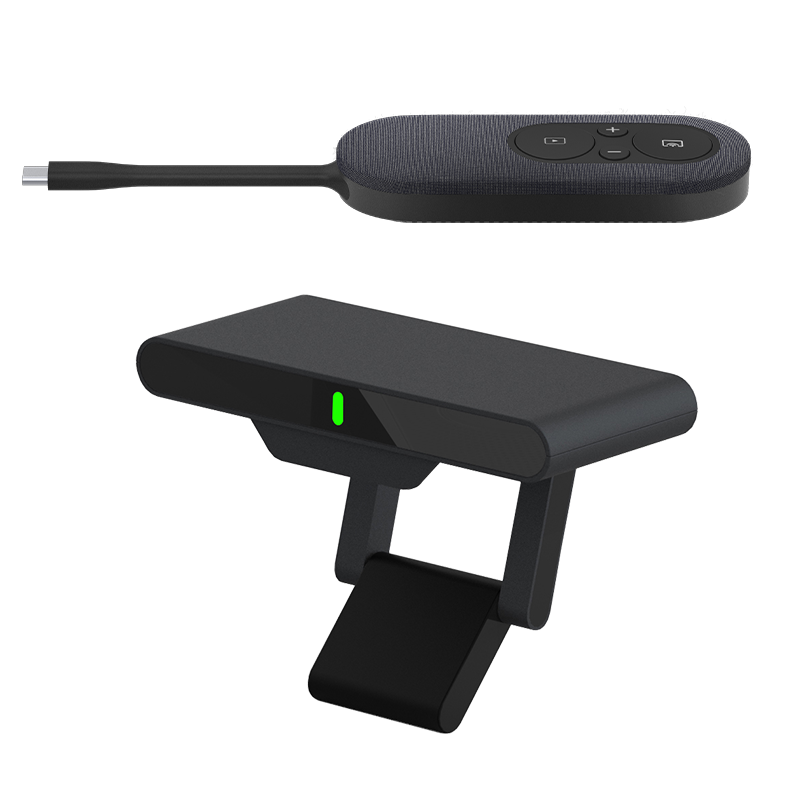
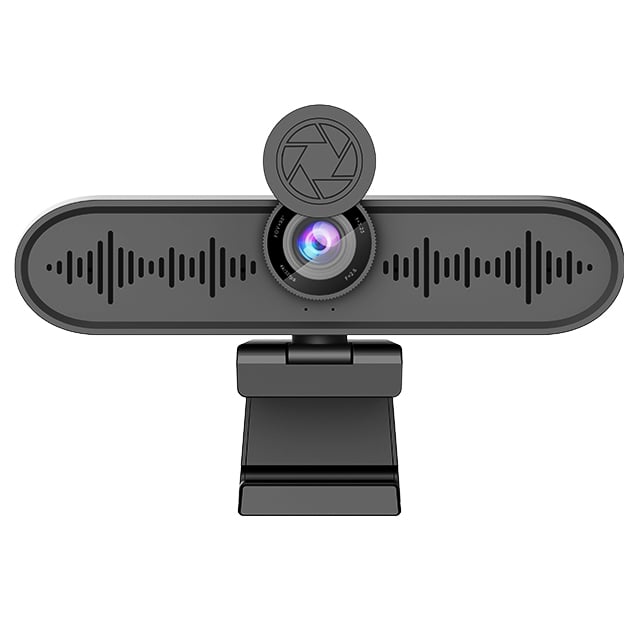
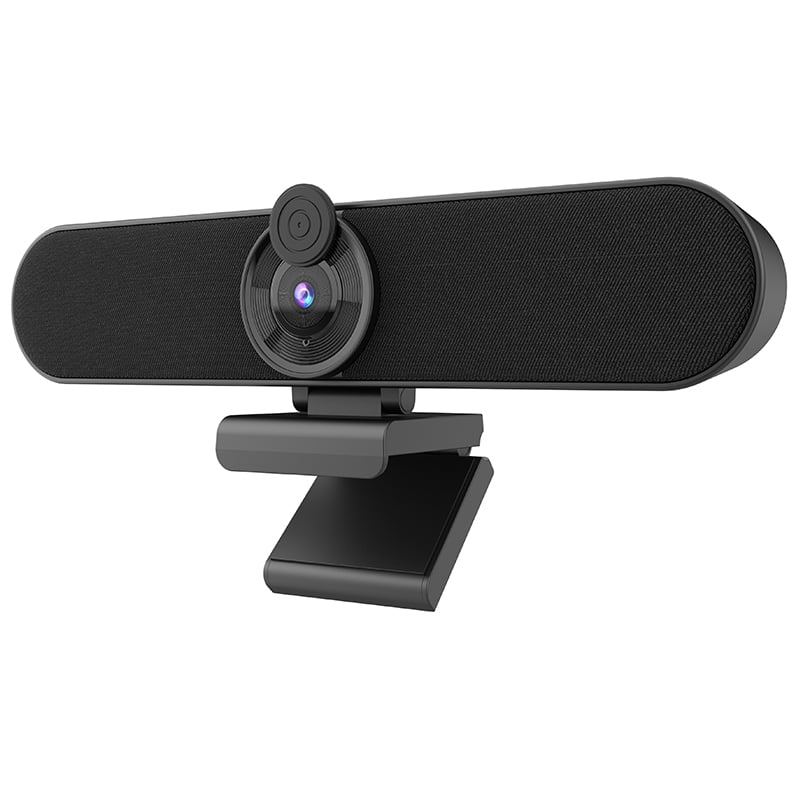
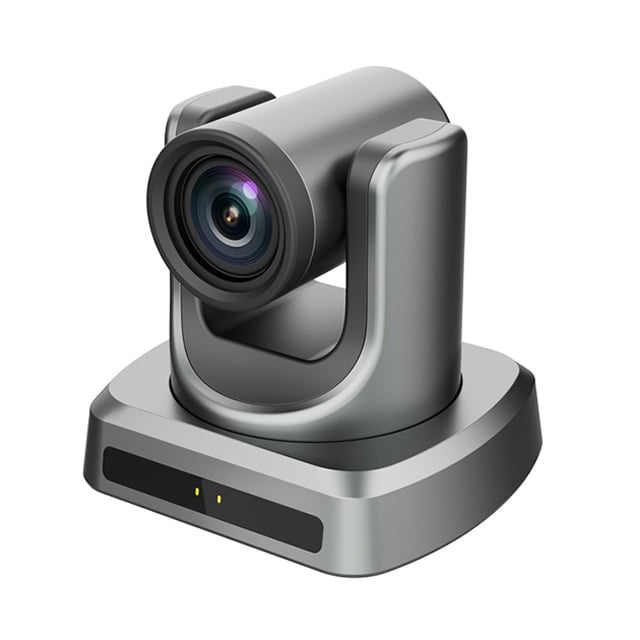
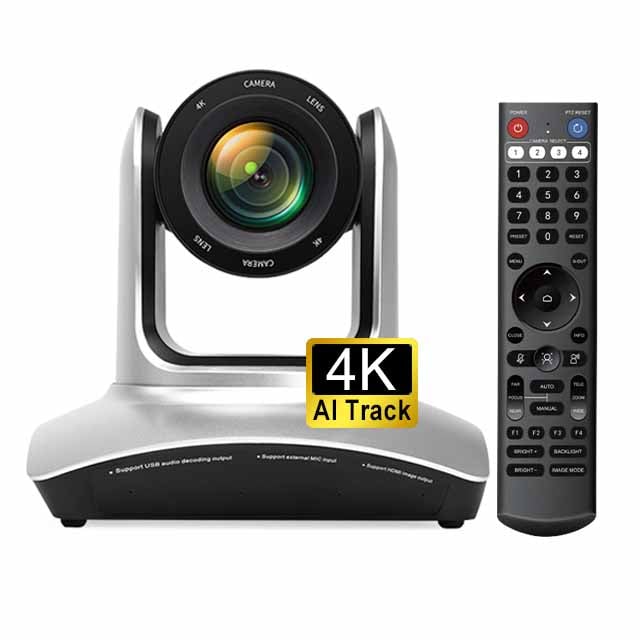
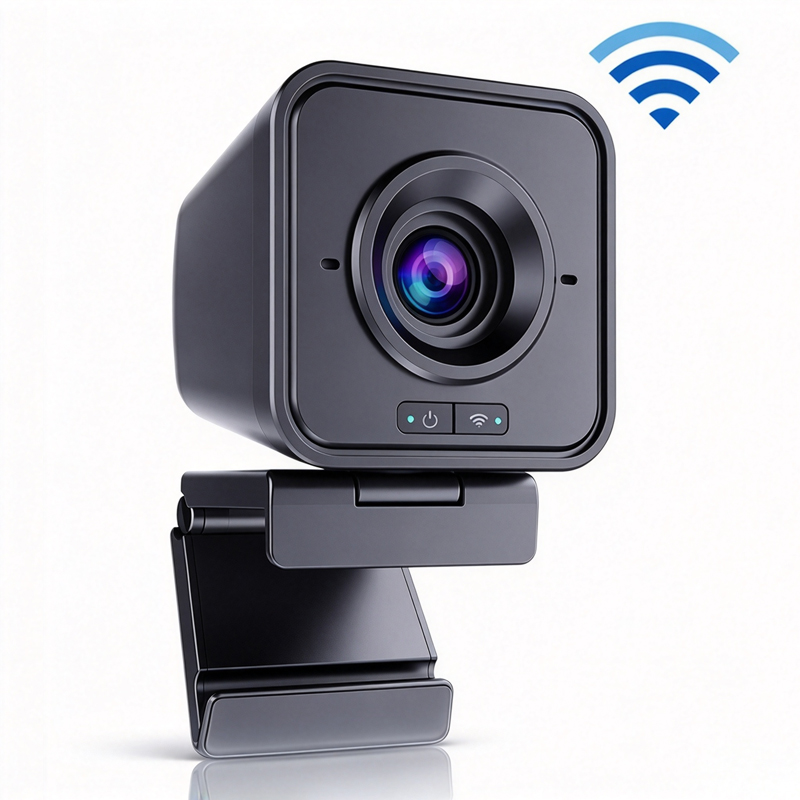
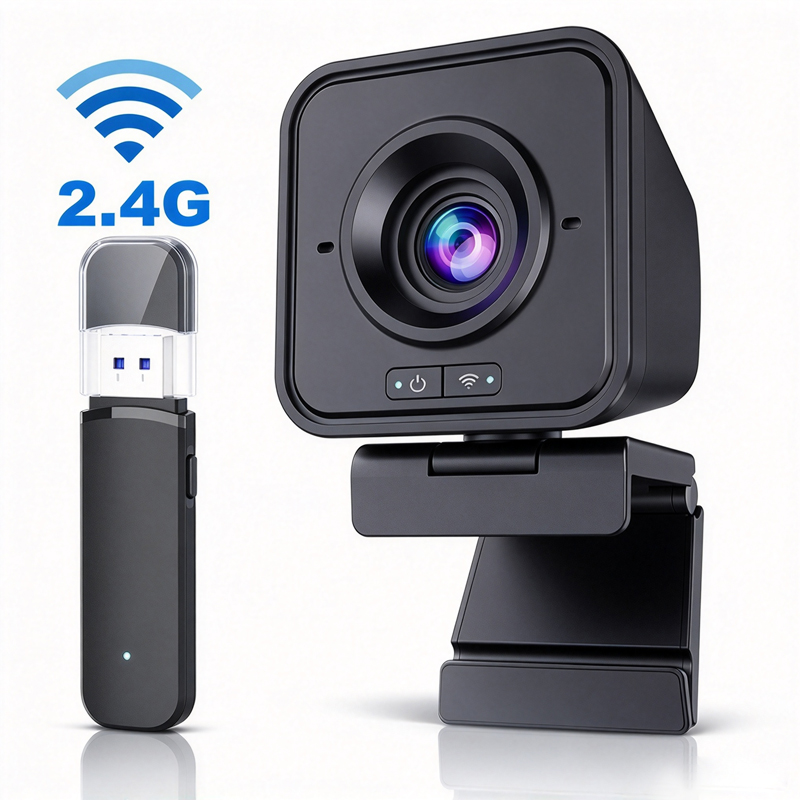
Wireless computer cameras have become essential tools for modern communication, especially in enterprise, education, and telemedicine sectors. These advanced cameras leverage high-definition technology, often 4K resolution, to deliver clear video quality for virtual meetings, online classes, and remote consultations. As a B2B buyer, you may have concerns about specifications, pricing, and supplier reliability when evaluating 4k computer camera options. This article will guide you through key specifications, pricing options, reliable suppliers, installation guidance, and the features and benefits of these Wireless computer cameras to help you make an informed purchasing decision.

Wholesale Pricing Options for Bulk Orders of Wireless Cameras

Wholesale Pricing Options for Bulk Orders of Wireless Cameras

When considering bulk purchases of moertek wireless computer cameras, pricing structures can vary significantly. Suppliers often offer tiered pricing based on volume, so understanding the factors that affect cost can help you negotiate better deals. 

Quantity Discounts: Generally, purchasing larger quantities results in lower per-unit costs. Request quotes for different order sizes to determine the best pricing tier. 

Customization Costs: If you require customization (e. g., branding or specific features), be aware that this may affect pricing. Discuss these needs upfront to receive accurate quotes. 

Shipping and Handling: Shipping costs can vary based on the destination and order size. Sometimes, suppliers offer free shipping for larger orders, which can further reduce costs. 

Payment Terms: Some suppliers may provide discounts for early payments or bulk purchases. Clarify payment terms during negotiations to optimize your budget. 

Lead Times: Keep in mind that shorter lead times may come at a premium. Ensure that your expected delivery aligns with your project timelines. 

By comparing quotes from multiple suppliers, you can identify competitive pricing and favorable terms.

Reliable Suppliers for High-Quality Wireless Computer Cameras

Reliable Suppliers for High-Quality Wireless Computer Cameras

Finding a trustworthy supplier for wireless computer cameras is crucial for ensuring product quality and consistency. When evaluating potential suppliers, consider the following: 

Certifications: Look for suppliers who have relevant certifications such as CE, FCC, and RoHS. These certifications indicate compliance with international safety and environmental standards. 

Manufacturing Capabilities: Assess the supplier's manufacturing capabilities, including the technology and processes used. A supplier specializing in 4K conference cameras and audio products will likely have the expertise needed for high-quality production. 

Reputation and Reviews: Research the supplier's reputation in the industry. Customer reviews and testimonials can provide insights into the supplier’s reliability and product quality. 

After-Sales Support: Evaluate the level of after-sales support offered. A supplier that provides technical assistance, warranty services, and responsive customer service is invaluable. 

Export Experience: If you are sourcing from international suppliers, consider their experience in export markets. This can impact shipping efficiency and compliance with import regulations. 

By focusing on these factors, you can identify suppliers that will meet your quality and service expectations.

Installation Guidance for Wireless Computer Camera Solutions

Installation Guidance for Wireless Computer Camera Solutions

Correct installation of moertek  wireless computer cameras is essential for optimal performance. Here are key considerations to ensure a successful setup: 

Location: Choose a location that provides a clear view of all participants. The camera should be positioned at eye level and angled to minimize glare and obstructions. 

Connectivity: Ensure that the wireless camera is connected to a stable Wi-Fi network to prevent interruptions during use. Test the connection before critical meetings. 

Calibration: Some Wireless computer cameras may require calibration for settings such as auto-tracking or audio sensitivity. Follow the manufacturer’s guidelines or seek assistance from technical support if needed. 

Testing: Conduct a test run prior to the actual usage to identify any potential issues with video and audio quality. This allows you to make necessary adjustments. 

Documentation: Keep installation manuals and technical documentation accessible for future reference. This can assist with troubleshooting and maintenance. 

By following these installation guidelines, you can maximize the effectiveness of your usb computer camera. 

Features and Benefits Explained

Understanding the features and benefits of wireless computer cameras can help you make a more informed purchasing decision. Here are some advantages that these Wireless computer cameras typically offer: 

High-Quality Video: With 4K resolution and advanced optics, Wireless computer cameras provide superior image clarity, which is crucial for professional presentations and virtual meetings. 

Flexibility and Portability: Wireless connectivity allows for flexible placement and easy repositioning of the camera, making it suitable for various environments such as classrooms, conference rooms, or telemedicine facilities. 

AI Integration: Features like auto-tracking enhance the user experience by ensuring that the camera automatically focuses on speakers, allowing them to move freely without losing connection. 

Noise Cancellation: Integrated microphones with noise reduction capabilities ensure clear audio quality, reducing background noise and enhancing communication. 

Ease of Use: Many wireless cameras are designed to be user-friendly, often requiring minimal technical setup. This makes them accessible to users with varying levels of technical expertise. 

By recognizing these features and benefits, you can better evaluate which wireless computer camera aligns with your needs and expectations. 

In summary, choosing the right wireless computer camera involves understanding critical specifications, pricing options, reliable suppliers, installation requirements, and the unique features that enhance performance. By considering these factors, you can make an informed purchasing decision that meets your organizational needs.

Key Specifications to Evaluate in Wireless Computer Cameras

When selecting a moertek wireless computer camera, several specifications are crucial to ensure performance meets your needs. 

Resolution: The clarity of the video is largely determined by the resolution. Look for Wireless computer cameras that offer at least 1080p, but 4K resolution is becoming a standard expectation for high-quality video conferencing. 

Field of View (FOV): A broader FOV allows more participants to be captured in the frame. Cameras with a FOV of 90 degrees or more are ideal for larger meeting rooms. 

Frame Rate: A higher frame rate (30 fps or more) ensures smoother video. This is particularly important for fast-paced discussions or presentations. 

Audio Quality: Integrated microphones with noise reduction features are essential for clear audio. Check for array microphones that can pick up voices from various directions. 

Connectivity Options: Ensure the camera has multiple connectivity options such as USB, HDMI, and wireless capabilities (Wi-Fi or Bluetooth) to fit different setups. 

AI Features: Advanced cameras may include AI features like auto-tracking, which automatically focuses on the speaker, enhancing the user experience in meetings. 

Confirm these specifications with the supplier to ensure the Computer Camera meets your application requirements.

Frequently Asked Questions

What wireless standards does this computer camera use?

Our wireless computer camera supports dual-band Wi‑Fi and secure WPA2/WPA3 connections for stable, low-latency streaming in conference and telemedicine settings.
Yes. The camera includes AI auto-tracking that follows speakers smoothly for clear framing during presentations, classes, and remote consultations.
The camera supports up to 4K resolution with selectable frame rates suitable for conferencing and recording, ensuring crisp imagery for enterprise and education use.
It is plug‑and‑play across major operating systems and works with common conferencing platforms via standard USB or wireless streaming protocols for easy integration.
Our products carry CE, FCC, and RoHS certifications. We offer OEM/ODM support and a manufacturer warranty; contact sales for specific warranty durations and service terms.

Get a Free Quote

Our representative will contact you soon.
0/1000