 EN
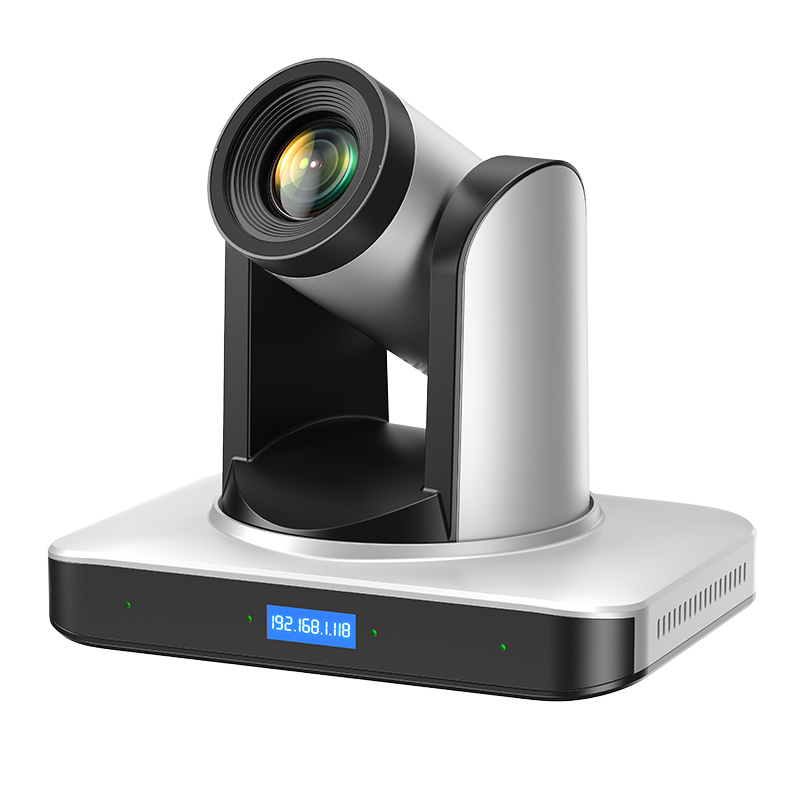
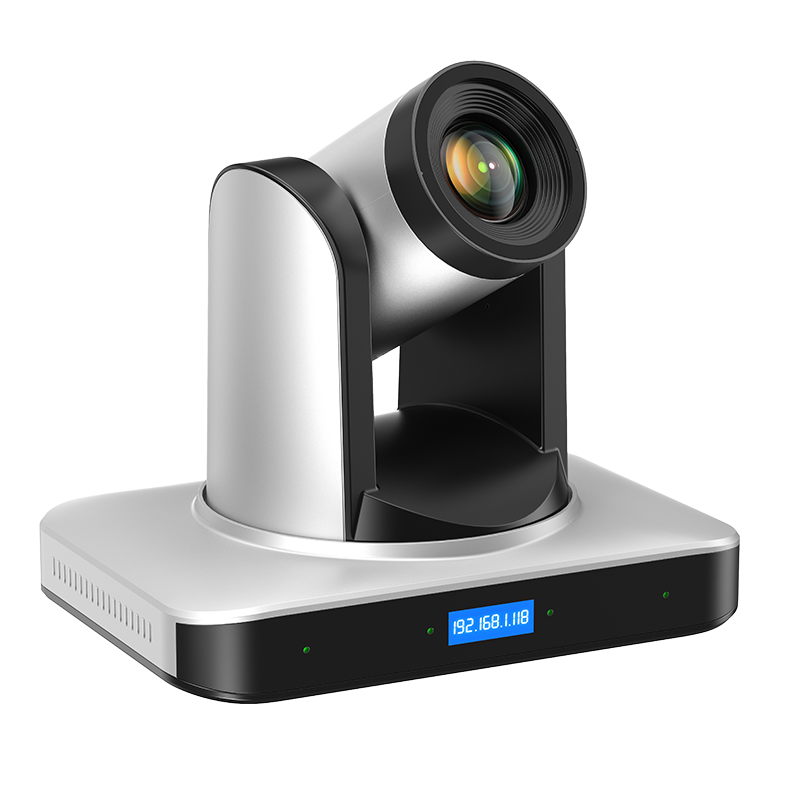
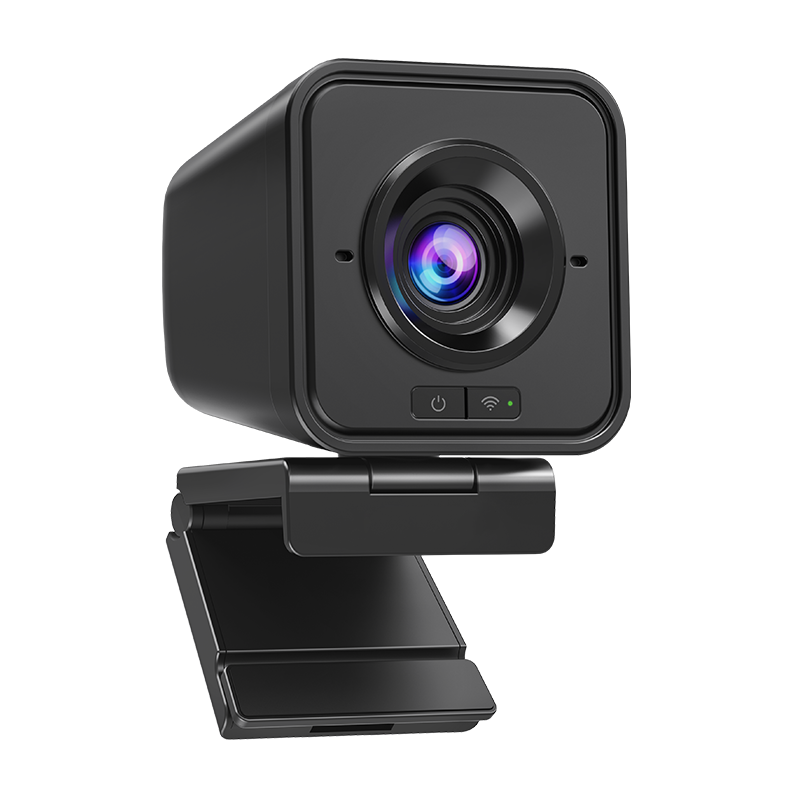
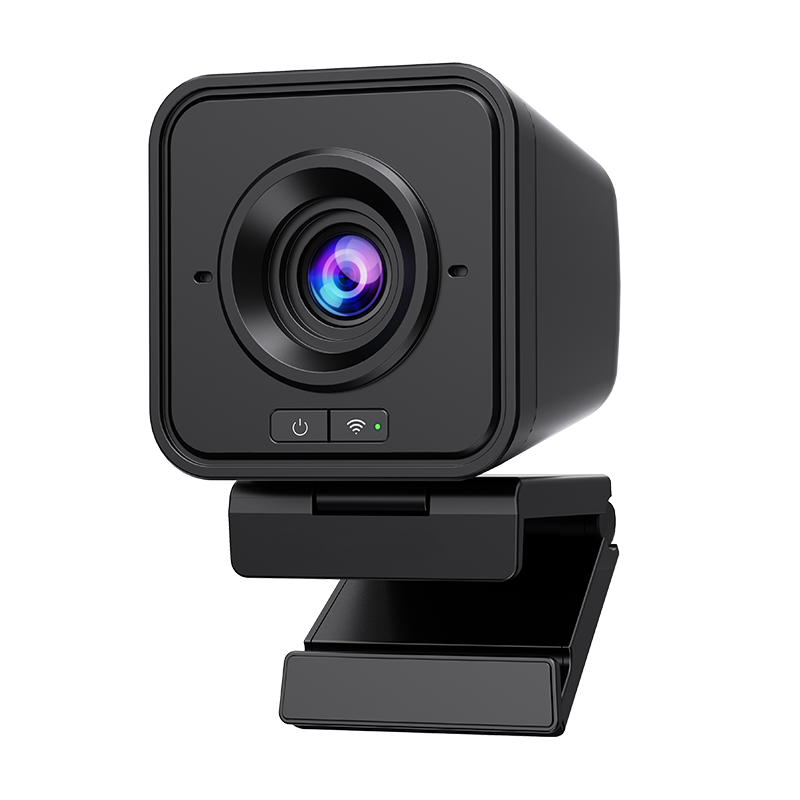
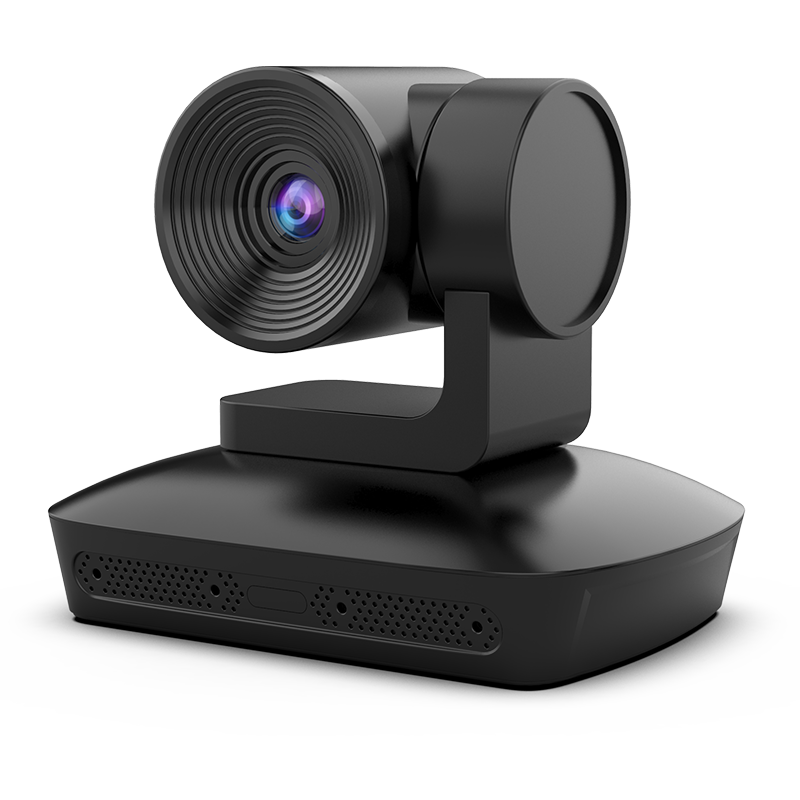
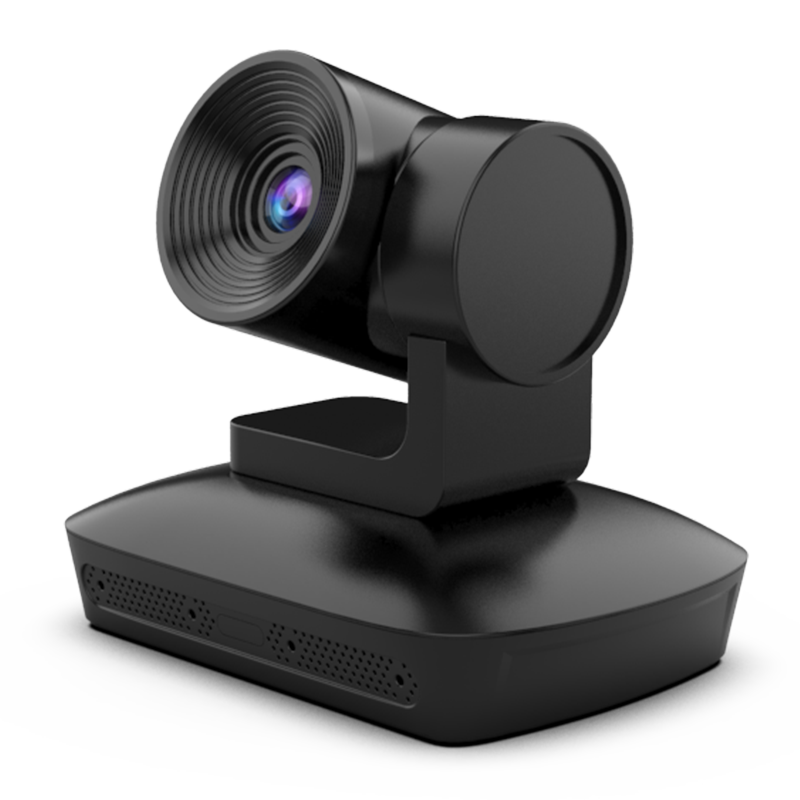
Smart video conferencing for corporate meetings with HD PTZ cameras.

multi-mode-wireless-video-presentation--collaboration-hub, multi-mode-wireless-video-presentation--collaboration-hub, /wireless-presentation-system
EN
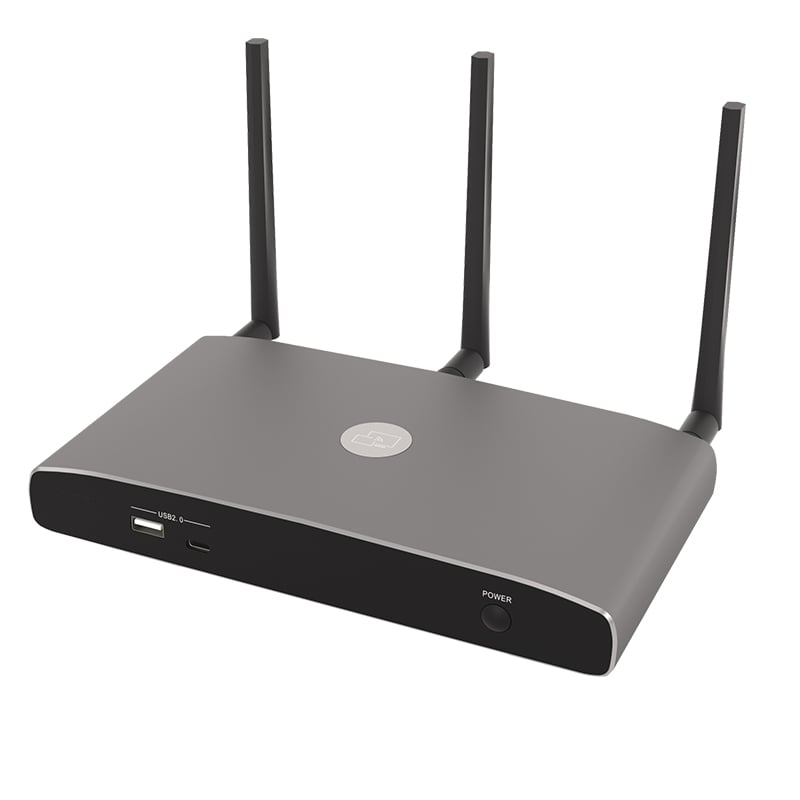
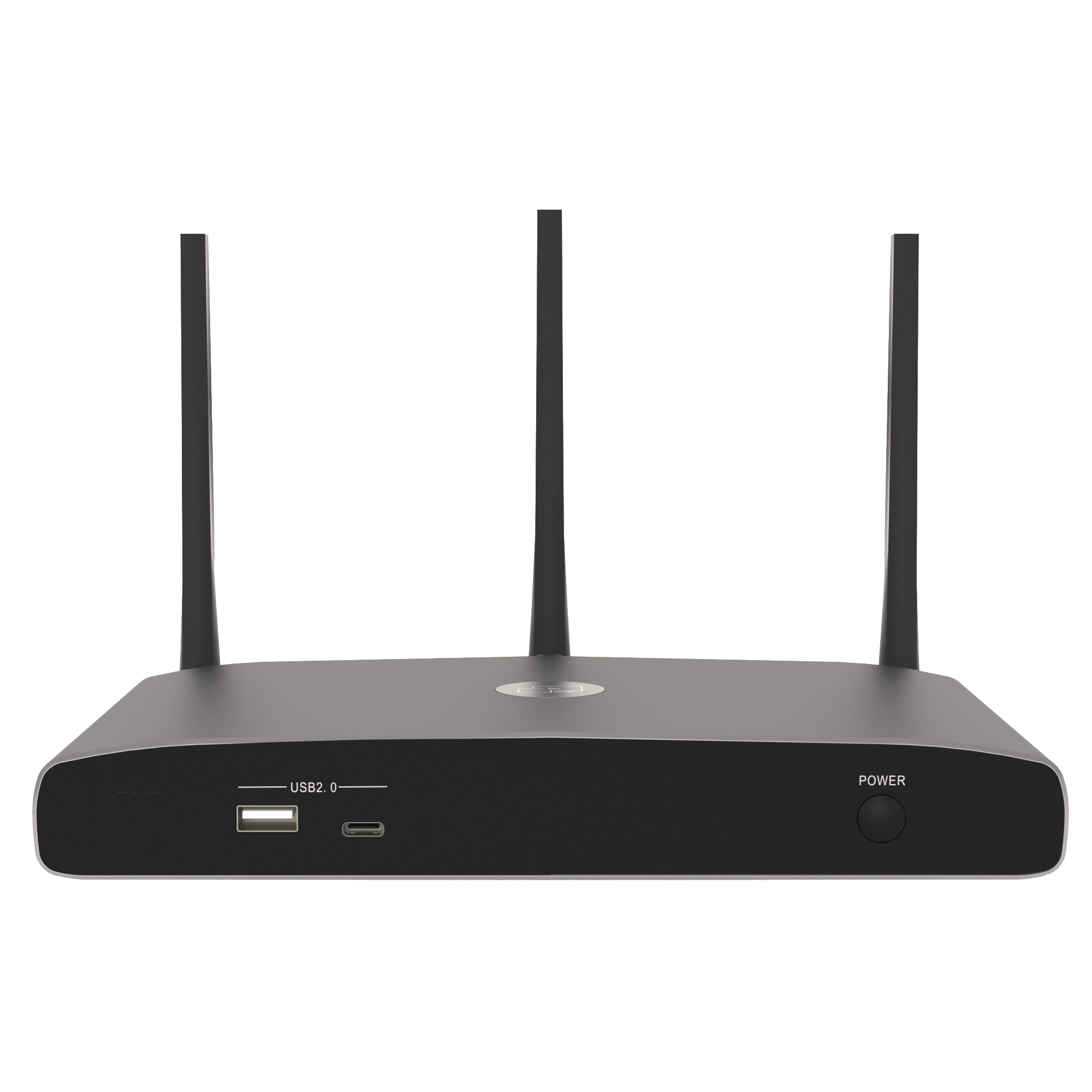
Multi-Mode Wireless Video Presentation & Collaboration Hub
Full-Platform Wireless Mirroring – Supports Windows, macOS, Android, iOS, HarmonyOS, and Kylin OS, with one-click casting via AirPlay, Miracast, dedicated App, or Dongle
Ultra-HD & Low-Latency Collaboration – HDMI 2.0 output up to 4K@60Hz, mirroring latency<100ms, mouse="" latency="" as="" low="" 20ms="">
Conference & Remote Sharing Ready – Compatible with Tencent Meeting, Zoom, DingTalk, Teams, and other mainstream platforms; enables remote screen capture and cross-device collaboration
High-Security Protection – AES256/RSA1024 encryption, dual-LAN physical isolation, and HTTPS secure access to meet high-confidentiality meeting requirements
Visual Centralized Control – Web-based preview, drag-and-drop layout, screen takeover/release/reverse control; supports host cascading and multi-screen interaction without Wi-Fi interference
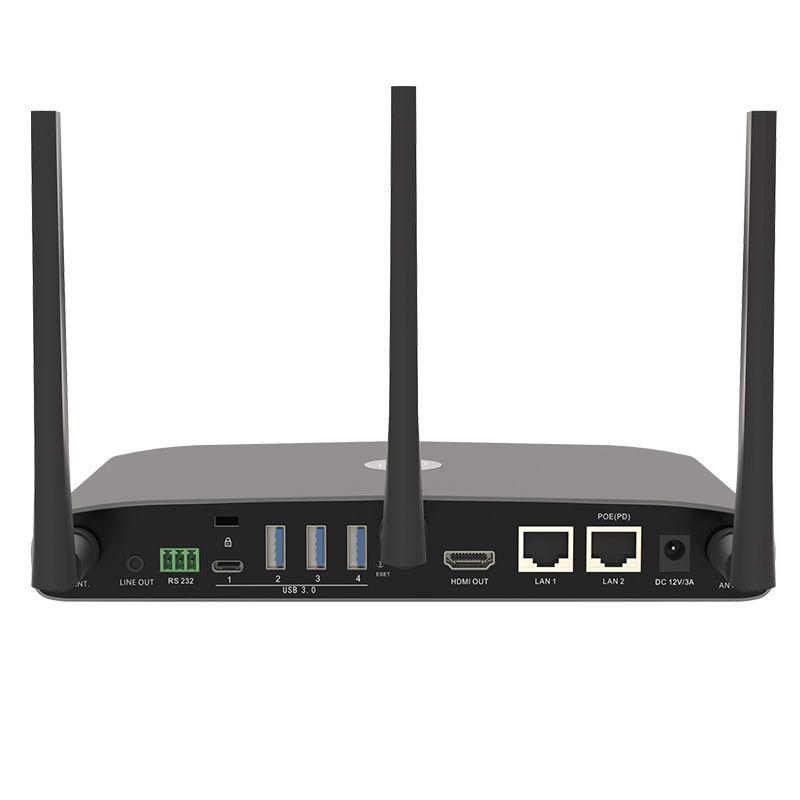
Enterprise-Grade Stability – Dual network ports, PoE power, rich USB/Type-C expansion; supports private platform batch management and comes with a 3-year manufacturer warranty
Moertek presents the Multi-Mode Wireless Video Presentation & Collaboration Hub, a next-generation wireless presentation hub designed to transform meeting rooms, classrooms, and hybrid workspaces. This collaboration hub combines versatile connectivity, secure multi-user access, and seamless integration with existing AV systems to deliver a superior experience for video sharing, screen mirroring, and collaborative sessions. As a multi-mode video hub with support for bring-your-own-device presentation workflows, Moertek’s solution empowers teams to share ideas faster, collaborate more naturally, and keep meetings focused on outcomes rather than technical setup.
Product Overview and Core Capabilities
The Moertek Multi-Mode Wireless Video Presentation & Collaboration Hub functions as a centralized wireless presentation hub and collaboration hub, enabling participants to join and present from laptops, tablets, and smartphones without cables or adapters. This multi-mode video hub supports multiple simultaneous streams and flexible layout controls, allowing presenters and participants to display content side-by-side or in scalable tiles. The device is engineered to support modern BYOD environments and bring-your-own-device presentation practices, reducing friction and increasing productivity in fast-paced meeting scenarios.
Key Features
- Universal Wireless Presentation: As a wireless presentation hub, the device supports screen mirroring protocols and native apps for Windows, macOS, iOS, Android, and ChromeOS. Users can instantly connect to the collaboration hub and share their screens with a single tap or click, eliminating the need for dongles and HDMI cables. The multi-mode video hub also supports adaptive streaming to maintain smooth video playback and crisp text at varying network conditions, making every bring-your-own-device presentation effortless.
- Multi-User Collaboration: The collaboration hub enables multiple users to present simultaneously. Teams can compare content, annotate live feeds, and switch lead presenters without interrupting the meeting flow. This multi-mode video hub supports configurable multi-view layouts and content prioritization, operating as a full-featured wireless presentation hub and collaboration hub for bring-your-own-device presentation environments.
- Bring-Your-Own-Device Presentation: Designed for modern workplaces, the bring-your-own-device presentation capabilities make it easy for guests and employees to bring their own device and instantly present. The collaboration hub supports native client applications and browser-based connection modes for secure, frictionless access. This multi-mode video hub and wireless presentation hub simplifies every bring-your-own-device presentation.
- Robust Security and Compliance: Security is integral to the Moertek wireless presentation hub. Features include encrypted media streams, secure guest access management, role-based permissions, and integration with enterprise authentication systems such as LDAP, Active Directory, and SSO providers. The collaboration hub isolates presentation traffic from corporate networks when required, ensuring compliance while serving as a secure multi-mode video hub for bring-your-own-device presentation.
- AV System Integration: The multi-mode video hub integrates with existing AV infrastructures via HDMI out, SDI (optional), USB-C, and control protocols for third-party control systems. It supports high-definition video output and audio routing, making it straightforward to incorporate the wireless presentation hub into conference room displays, projectors, and sound systems alongside any collaboration hub setup for bring-your-own-device presentation.
- Scalable Deployment: Whether outfitting a single huddle room or an enterprise campus, the multi-mode video hub scales to meet organizational needs. Multiple units can be deployed across locations and managed centrally as a unified wireless presentation hub and collaboration hub network optimized for bring-your-own-device presentation.
- Interactive Collaboration Tools: Included software features support annotation, virtual laser pointers, split-screen collaboration, and synchronized white-boarding. These tools enhance the core functionality of the wireless presentation hub, collaboration hub, and multi-mode video hub during any bring-your-own-device presentation.
Technical Advantages and Innovation
Moertek’s Multi-Mode Wireless Video Presentation & Collaboration Hub delivers technical advantages that set it apart from traditional systems. Built on a flexible architecture supporting simultaneous protocol handling—allowing the wireless presentation hub to accept AirPlay, Miracast, Google Cast, and proprietary clients at the same time—this multi-mode video hub reduces compatibility issues and ensures every bring-your-own-device presentation is seamless within the collaboration hub environment.
The hub’s video processing pipeline uses hardware-accelerated encoding and adaptive bitrate streaming. By prioritizing low-latency encoding paths for interactive content, the multi-mode video hub and collaboration hub deliver a balanced experience. As a wireless presentation hub built for bring-your-own-device presentation, it integrates advanced audio processing for clear hybrid meetings.
Use Cases and Applications
- Corporate Meeting Rooms: The bring-your-own-device presentation support eliminates cable clutter and booking delays. Teams can start sessions quickly, leveraging the multi-mode video hub, wireless presentation hub, and collaboration hub for simultaneous screen sharing.
- Training and Education: In classrooms, the collaboration hub enables instructors and students to share content dynamically. The multi-mode video hub and wireless presentation hub foster interactive learning and bring-your-own-device presentation flexibility.
- Healthcare and Telemedicine: The wireless presentation hub supports secure peer-to-peer sharing of imaging and live video. The collaboration hub and multi-mode video hub protect patient data during bring-your-own-device presentation sessions.
- Events and Public Spaces: For conferences, the bring-your-own-device presentation capability speeds presenter transitions. The wireless presentation hub, collaboration hub, and multi-mode video hub support diverse content sources without adapters.
Deployment and Support
Moertek provides comprehensive deployment services and documentation for the wireless presentation hub, collaboration hub, and multi-mode video hub. Installation guides include recommended network configurations and AV integration tips to ensure optimal bring-your-own-device presentation performance. Tailored for small meeting rooms up to large auditoriums, this multi-mode video hub, wireless presentation hub, and collaboration hub solution ensures hassle-free bring-your-own-device presentation everywhere.
Why Choose Moertek’s Multi-Mode Wireless Video Presentation & Collaboration Hub
Organizations choose Moertek because the product addresses real pain points in modern collaboration. As a wireless presentation hub, the device removes connection friction. As a collaboration hub, it encourages simultaneous contribution. As a multi-mode video hub, it harmonizes diverse protocols. And by supporting bring-your-own-device presentation workflows, Moertek ensures meetings remain device-agnostic.
| HDMI Output | 1X HDMI 19-pin Female Connector |
| Video Output Resolution | 3840X2160@60Hz 3840X2160@30Hz,1920X1080@60Hz,1280X720@60Hz |
| Video Format Compatibility | HDMI1.4/HDMI2.0 |
| Video Capacity | 1080P@≤60Hz (via AirPlay) 4K@≤60Hz (via Wireless APP) 1080P@60Hz (via Dongle) 1080P@60Hz(via Type-C Transmitter) 4K@≤30Hz (via USB Transmitter) |
| HDCP | HDCP 1.4/HDCP 2.2 |
| Audio Output | 1×3.5mm Analog Audio Port |
| LAN Port | RJ45x2:1000Mbps x1,100Mbps x1 |
| USB Port | USB3.0 X3, Type-C (USB3.0) X1, USB2.0 X1, Type-C(USB2.0) X1 |
| USB Camera | ≤1080P@30fps, MJPG |
| Audio Input | AirPlay /Miracast/Chromecast, Windows /MAC, WMH,USB/BT SpeakPhone |
| Audio Output | Jack, HDMI, Jack + HDMI, USB/BT SpeakPhone |
| Control Port | 3.5mm Phoenix Terminal/ RS232 Port |
| Number of Simultaneously Displayed Windows | 4+6(4 Main Display Channels+6Preview Control Windows) |
| Number of Simultaneously Connected Devices | 16 Dongle Devices,64 PC Software Connections |
| Video Frame Rate | 20-60FPS |
| Latency | <100ms,Minimum 20ms |
| Wi-Fi Transmission Rate | Up to 1200Mbps |
| Wireless Transmission Protocol | Wi-Fi IEEE 802.11 b/g/n/ac |
| Frequency Band | 2.4GHz&5GHz |
| Wi-Fi Antenna | 2X2MIMO+1X1 MIMO |
| Wi-Fi Encryption | AES, WPA PSK, WPA2 PSK |
| Control Method | Web GUI,Telnet,RS232 |
| Dimensions(W×D×H) | 220X120×33 mm(Excluding Antennas) |
| Weight | 950g(TBD) |
| Operating Temperature | -4°F to +113°F (-20°C to +45°C) |
| Storage Temperature | -4°F to +140°F (-20°Cto+60°C) |
| Humidity | 20%-85% RH Non-condensing |
| Power Supply | DC 12V or PoE |
| PoE Standard | IEEE 802.3af (or IEEE 802.3at, TBD) |
| Power Consumption | 10W(MAX)(TBD) |
Multi-Mode Wireless Video Presentation & Collaboration Hub
This is a title description that can briefly introduce the module.

Our advanced video conferencing and audio solutions stand out with superior image quality, intelligent tracking, real-time noise reduction, and seamless multi-device compatibility, delivering optimized performance for modern business collaboration.
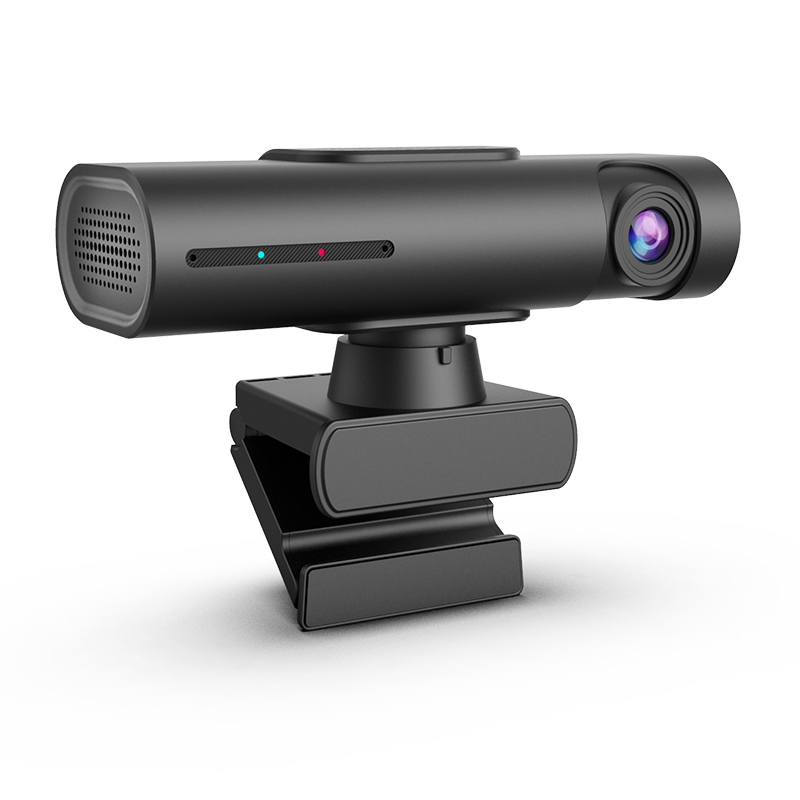
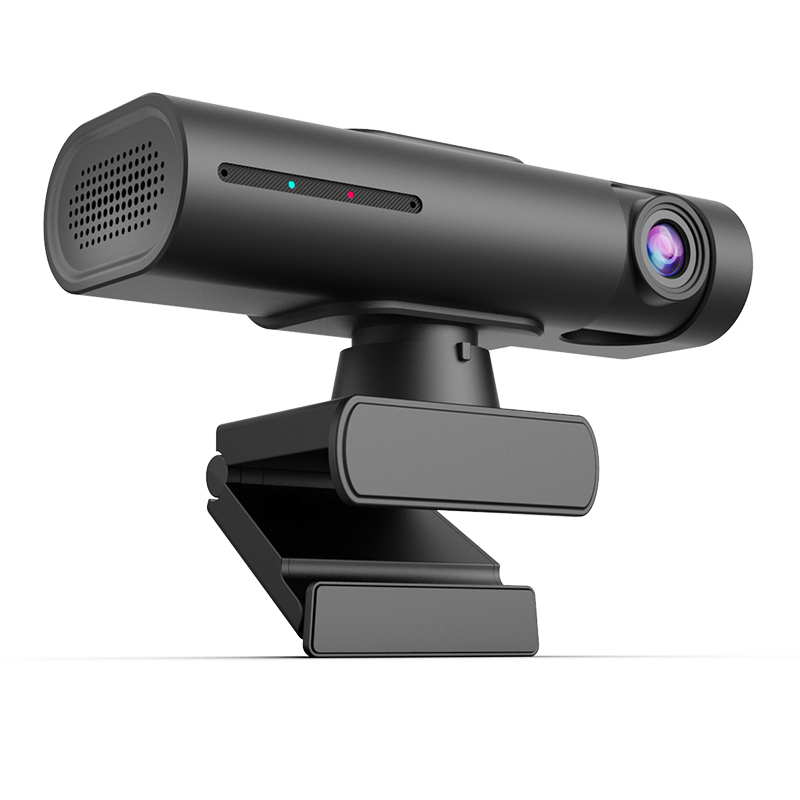
Empower conference rooms, classrooms, and live streaming with our advanced PTZ cameras, webcams, and microphone systems. Seamlessly adaptable for multiple use cases and professional deployments.

Smart video conferencing for corporate meetings with HD PTZ cameras.

Efficient teaching supported by easy-to-use webcams and microphones.

Professional livestreaming with 4K video and clear audio equipment.

Convenient downloads: datasheets, SDKs, and drivers for fast integration.

