Choosing the Right Full HD Webcam for Your Business

application/webcam-full-hd, application/webcam-full-hd, 
Inquiry
Inquiry

webcam full hd

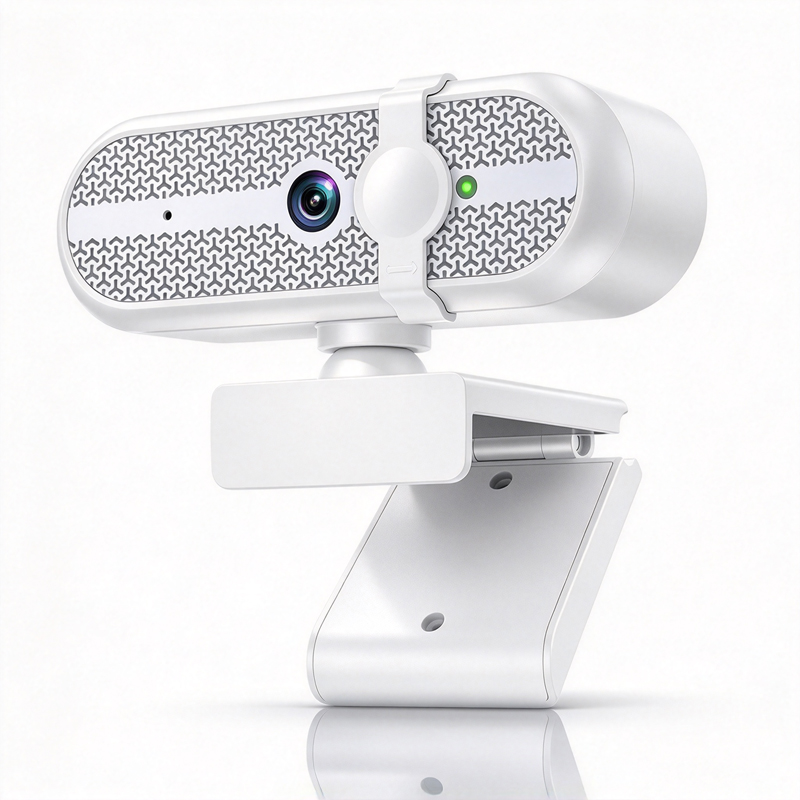
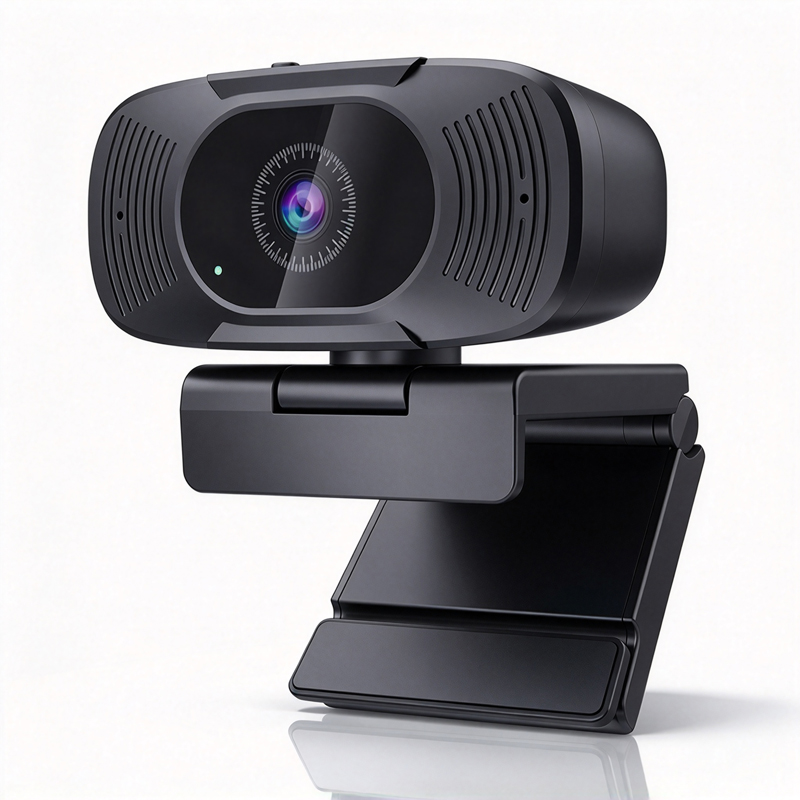
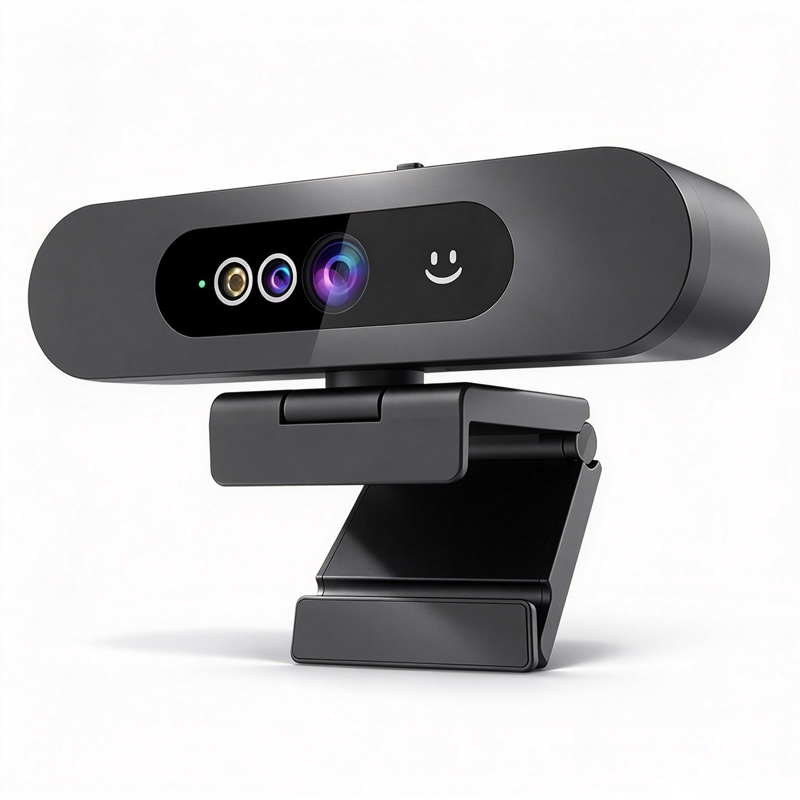
In today’s digital landscape, a webcam   full HD (1080p)   is essential   for businesses   that rely on video conferencing, remote collaborations, and   telemedicine. Selecting the right model can significantly impact communication quality, employee engagement, and client interactions. B2B buyers, including purchasing managers and technical decision-makers, often   look for webcams that   offer reliable performance, compatibility   with existing   systems, and   robust   support from manufacturers. This   article will   guide you through the   critical aspects of choosing, sourcing, and   evaluating   full HD webcams   for your business needs.

 
Where to Source Quality Full HD Webcams for Wholesale Purchase

Where to Source Quality Full HD Webcams for Wholesale Purchase

Sourcing quality full   HD webcams involves selecting suppliers who   demonstrate proven reliability and   excellent   manufacturing capabilities. Look for manufacturers that   specialize in video conferencing technology, as they are more likely to   offer products tailored to your needs. Evaluate potential suppliers based   on their certifications,   such as CE, FCC, and RoHS, which   indicate adherence   to   international safety and environmental standards.

Establishing relationships   with OEM/ODM suppliers can provide additional customization options, allowing you to adapt   products to meet specific   branding or functionality requirements. It   is also   advisable to   request samples before placing   bulk orders to assess the quality firsthand.

 
Key Specifications to Consider for Full HD Webcam Selection

Key Specifications to Consider for Full HD Webcam Selection

When evaluating full HD webcams, focus on the following key specifications:

Resolution: A true full HD webcam   should have a resolution of 1920x1080 pixels, ensuring   clear and detailed video output. Frame Rate: Look for   webcams that support a   minimum of 30 frames per second   (fps) for smooth video playback.   Field of View   (FOV):   A wider FOV (e.g., 90 degrees) allows more participants to fit into the   frame, which is essential   for   group settings.   Microphone Quality: Integrated microphones with noise cancellation features enhance audio clarity,   reducing   background noise during calls. Connectivity Options:   Ensure that the webcam offers versatile connectivity options, such as USB and wireless connectivity, to facilitate easy   setup across various devices.   Understanding these specifications will help you   select a webcam that meets your specific business needs and enhances   your communication   capabilities. 
How to Evaluate the Quality of Full HD Webcams from Suppliers

How to Evaluate the Quality of Full HD Webcams from Suppliers

To evaluate the quality of full HD   webcams from suppliers,   implement a comprehensive assessment process. Start by   examining product reviews and testimonials from other businesses.   This feedback can provide insights into reliability and performance under real-world conditions.

Next,   conduct quality inspections of samples. Focus   on the build quality,   lens clarity, and audio performance. If possible, test   the webcam in   actual usage scenarios to   identify any   potential issues, such as   connectivity problems or   software   compatibility.

Additionally, consider the supplier’s quality control processes. A reputable   manufacturer will have stringent quality   assurance measures   in place, ensuring that each unit meets specified standards before shipment. Don’t hesitate to ask suppliers about their testing   procedures and warranty policies, as these are indicators   of their   commitment to quality.

Common Problems with Full HD Webcams and Their Solutions

Despite their advantages, full   HD webcams can   present several common problems. Here are some issues you may encounter and   practical solutions:

Poor   Video Quality: If the video appears   grainy or pixelated, verify   the resolution settings and ensure the webcam is not being used in low light.   Adjust lighting conditions or consider upgrading to a webcam with   low-light correction features.

Audio Issues: If audio is unclear or muffled, check the microphone settings. Ensure that   the   webcam   is set as the default audio device   in your conferencing software settings. A model with noise reduction capabilities can help enhance audio clarity.

Connectivity Problems: If the webcam fails to connect, ensure the drivers are   up to   date and that the USB port is functioning properly. If using a wireless model, check the   Wi-Fi signal strength and re-establish the connection if   necessary.

Incompatibility with Software: Always verify that the webcam is compatible with your preferred video conferencing software. Most   manufacturers provide a list of supported applications on their websites.

By proactively addressing these common   issues,   you can maintain seamless communication and avoid disruptions in critical business operations.   understanding the intricacies of selecting and sourcing full HD webcams can empower your business to make informed purchasing decisions. With the right knowledge in hand, you can enhance your remote   communication capabilities and ensure that your team remains connected and productive.

Choosing the Right Full HD Webcam for Your Business Needs

When selecting   a full HD webcam, consider   the   specific requirements of your business environment. Factors such as resolution, field   of view, and   audio quality are paramount. For   instance, a webcam with a wider field of   view   is beneficial for   conference rooms where multiple participants   will be visible. Look for models that offer features like auto-focus   and low-light correction to ensure   clear visuals in various lighting conditions. Additionally, consider the use of a Conference system to further enhance your meeting experience.

Moreover, evaluate the compatibility of the   webcam with your existing hardware   and software solutions. A seamless integration with conferencing platforms like Zoom or Microsoft Teams is crucial   for minimizing technical   issues. Additionally,   consider features like AI auto-tracking and noise reduction   that enhance the overall experience, especially in dynamic   environments.

Frequently Asked Questions

What resolution does the webcam full hd offer?

The webcam full hd delivers 1080p Full HD video for clear, detailed conferencing and streaming at standard frame rates.
Yes. It includes AI auto-tracking to keep speakers centered during meetings, ideal for lectures and telemedicine.
Integrated noise reduction filters background audio and improves voice clarity, combined with array microphone input for better speech pickup.
Yes. It meets CE, FCC, and RoHS certifications, complying with key safety and environmental standards for international use.
We provide OEM/ODM services for enterprises, education, and healthcare, including hardware, firmware, and branding customization.

Get a Free Quote

Our representative will contact you soon.
0/1000