Choosing the Right PC Camera for Business Needs

application/pc-camera, application/pc-camera, 
Inquiry
Inquiry

Pc camera

Choosing the right PC camera for your enterprise, educational, or telemedicine needs can significantly impact communication and collaboration. With the rise of remote work and virtual interactions, understanding the features and specifications of All-in-One Camera is essential for B2B buyers. This article will delve into key considerations for selecting a wholesale PC camera supplier, evaluating quality features in PC cameras for bulk orders, addressing common installation issues, and exploring practical applications in various sectors.

How to Compare Quality Features in PC Cameras for Bulk Orders

How to Compare Quality Features in PC Cameras for Bulk Orders

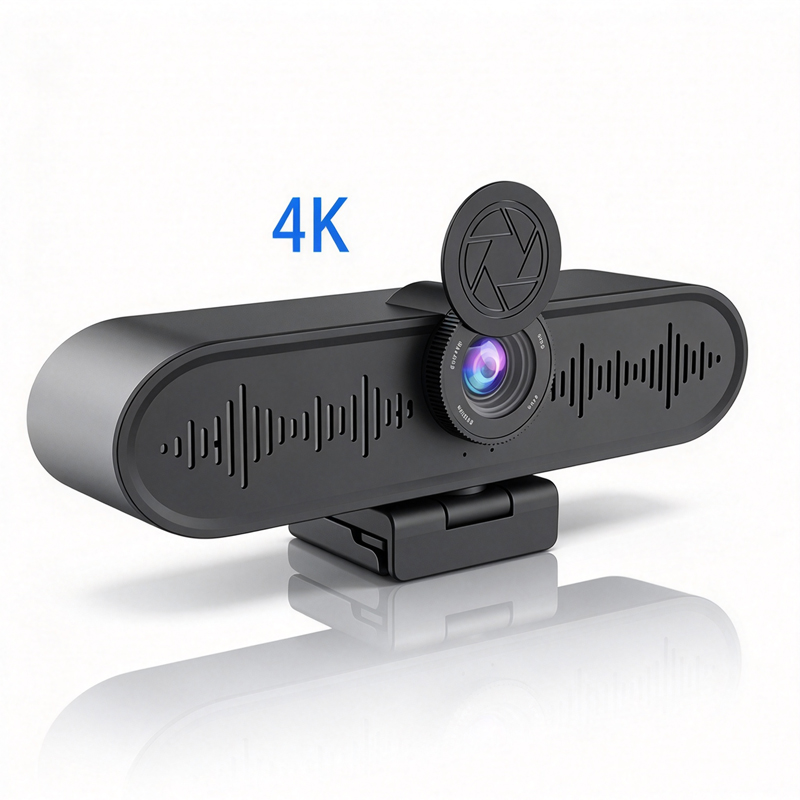
When evaluating PC cameras for bulk orders, several quality features should be at the forefront of your decision-making process. Start with resolution, 4K quality is becoming the standard for crisp, clear images, especially in conference settings. Ensure that the cameras you are considering support this resolution to provide the best experience for users. Additionally, consider options such as a Live streaming camera for enhanced broadcasting capabilities.  

Another important feature is the field of view (FOV). A wider FOV can capture more participants in a single frame, which is beneficial for group meetings. Look for cameras that offer adjustable FOV settings for flexibility based on the meeting size. 

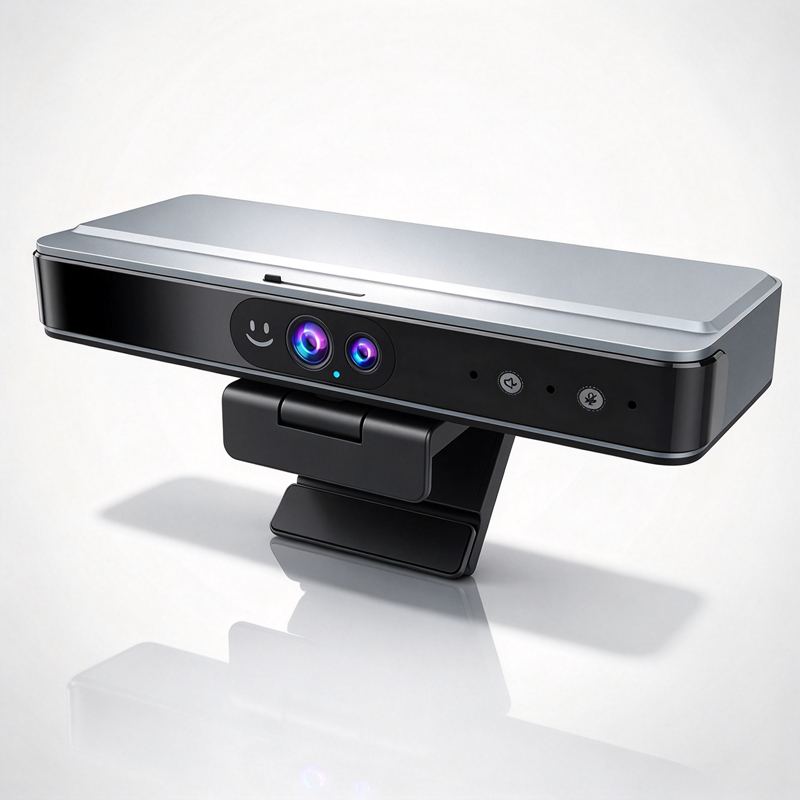
AI auto-tracking is another advanced feature to consider. This technology allows the camera to follow the speaker, ensuring that the focus remains on the person presenting, which is particularly useful in educational and telemedicine environments. Additionally, consider noise reduction capabilities, which can enhance audio clarity in various settings. 

Finally, verify the materials used in the camera's construction and their durability. High-quality, robust materials can significantly extend the lifespan of the product, making them a better investment in the long run. 

Common Installation Problems with PC Cameras and Their Solutions

Common Installation Problems with PC Cameras and Their Solutions

Installation of PC cameras can present several challenges that buyers should anticipate. A common issue is compatibility with existing hardware and software systems. Before finalizing your purchase, confirm that the camera works seamlessly with your operating system and conferencing software. Some cameras may require specific drivers or software updates, which can introduce delays if not addressed in advance. 

Another potential problem is improper placement of the camera. An incorrectly positioned PTZ conference camera can lead to poor image quality and ineffective communication. To mitigate this, ensure that your installation site allows for optimal height and angle, typically at eye level and aimed directly at the participants. 

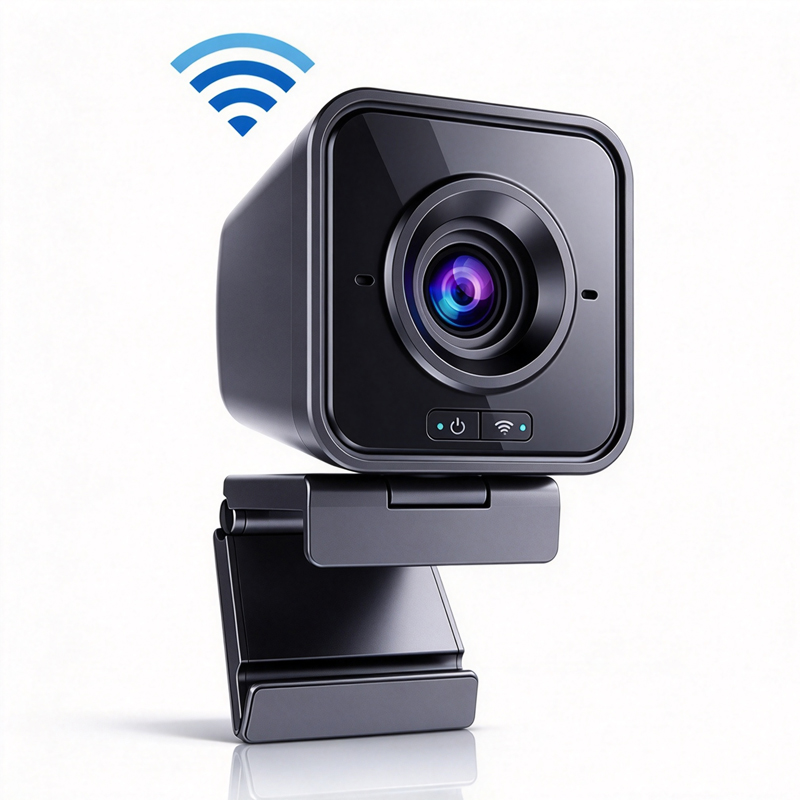
Lastly, network connectivity issues can hinder performance. If the camera relies on Wi-Fi for streaming, ensure that your network is robust enough to handle the data load. For wired connections, verify that the necessary ports and cables are available and functioning correctly. 


Exploring Applications of PC Cameras in Education and Telemedicine

Exploring Applications of PC Cameras in Education and Telemedicine

PC cameras have transformed how PC cameras in education and telemedicine operate, providing tools that enhance interaction and engagement. In educational settings, they facilitate remote learning by allowing instructors to deliver lectures to students from various locations. Features such as screen sharing and whiteboard capabilities can further enrich the learning experience. 

In telemedicine, PC cameras are instrumental in conducting consultations and follow-ups. High-resolution cameras enable healthcare providers to assess patients visually, which is crucial for diagnosis and treatment plans. AI features, such as auto-tracking, can help healthcare professionals maintain focus on the patient during virtual consultations, enhancing communication quality. 

Both sectors also benefit from the integration of array microphones, which can capture clearer audio from multiple directions, ensuring that all voices are heard during discussions. This technology reduces background noise and enhances overall audio quality, making interactions more effective. 


Benefits of AI Auto-Tracking in Conference Camera Solutions

AI auto-tracking is an innovative feature that brings numerous advantages to conference camera solutions. This technology uses advanced algorithms to identify and follow the active speaker in a room, allowing for a more dynamic and engaging meeting experience. One of the primary benefits is that it eliminates the need for manual adjustments to the camera, freeing users to focus on their presentation rather than on technical details. 

This feature is particularly beneficial in larger meeting spaces where multiple participants may be speaking. With AI auto-tracking, the camera automatically zooms in and frames the speaker, ensuring that all attendees remain engaged regardless of their position in the room. 

Moreover, the integration of AI in conference settings can improve the overall quality of virtual meetings by providing a more polished and professional appearance. This can enhance the perception of your organization, particularly in sectors like telemedicine and enterprise, where effective communication is paramount. 

In summary, when selecting PC cameras for your business needs, consider the supplier's qualifications, the quality features of the cameras, potential installation challenges, and the specific applications in your sector. Understanding these aspects will ensure that you make informed purchasing decisions that enhance productivity and communication within your organization.  

What to Consider When Choosing a Wholesale PC Camera Supplier

Selecting a wholesale PC camera supplier involves careful evaluation of several factors that can directly affect your purchasing experience. Start by assessing the supplier's manufacturing capabilities. A reputable supplier should offer certifications like CE, FCC, or RoHS, ensuring compliance with safety and environmental standards. 

Next, consider the supplier's experience in your specific industry sector, enterprise, education, or telemedicine. Suppliers with a deep understanding of the unique requirements in these fields are more likely to provide tailored solutions that fit your needs. Additionally, inquire about their quality control processes. It’s vital that they have robust testing protocols in place to guarantee that their products meet the specified performance and durability standards. For instance, a supplier offering a BYOM system can enhance collaboration in meeting environments. 

Lastly, look into their customization capabilities. If your project requires specific features or designs, ensure that the supplier can accommodate these requests. This flexibility can be crucial in ensuring that the PC cameras integrate seamlessly into your existing systems. 

Frequently Asked Questions

What resolution does the pc camera support?

Our pc camera supports up to 4K resolution, delivering clear video for conferencing, telemedicine, and education applications.
Yes. The pc camera includes AI auto-tracking to follow speakers smoothly, improving meeting dynamics and remote engagement.
The device integrates array microphones and advanced noise reduction to capture clear speech and reduce background noise.
Our pc camera meets CE, FCC, and RoHS certifications, ensuring safety and regulatory compliance for global deployment.
Yes. We offer OEM/ODM services for enterprise, education, and telemedicine, including hardware and firmware customization to fit your needs.

Get a Free Quote

Our representative will contact you soon.
0/1000