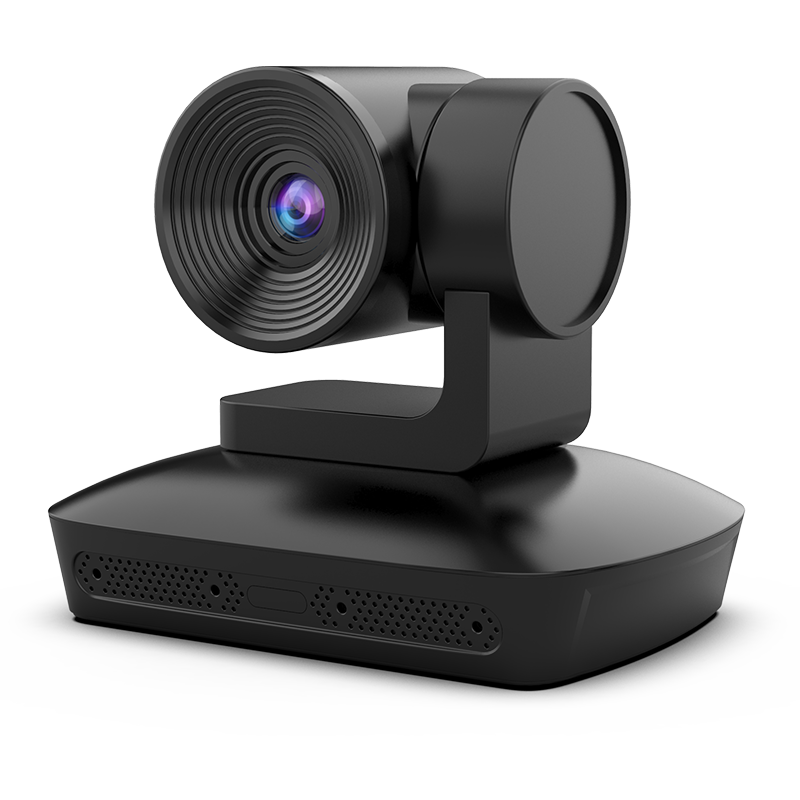
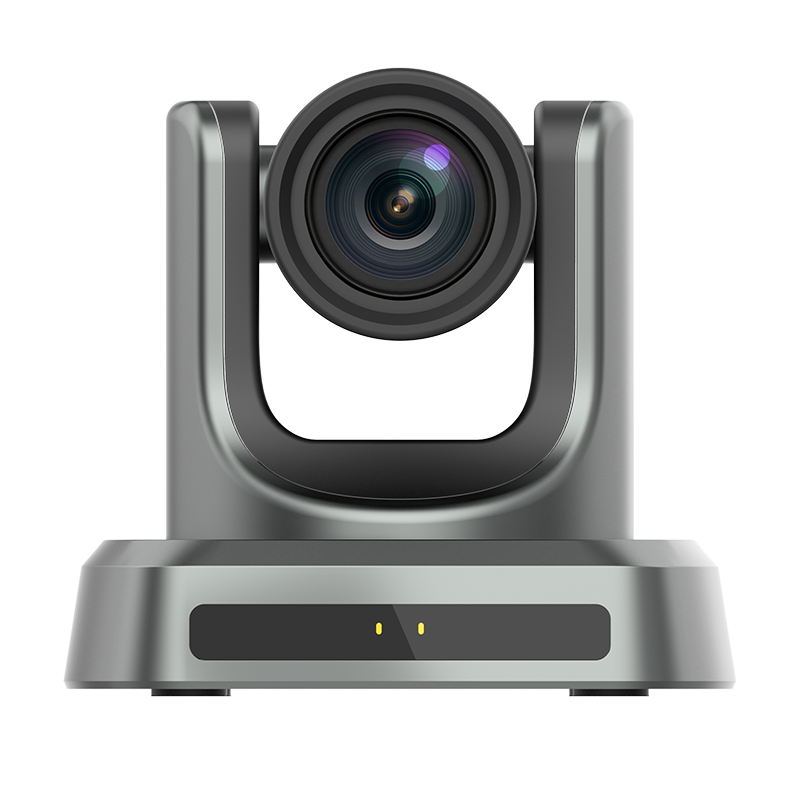
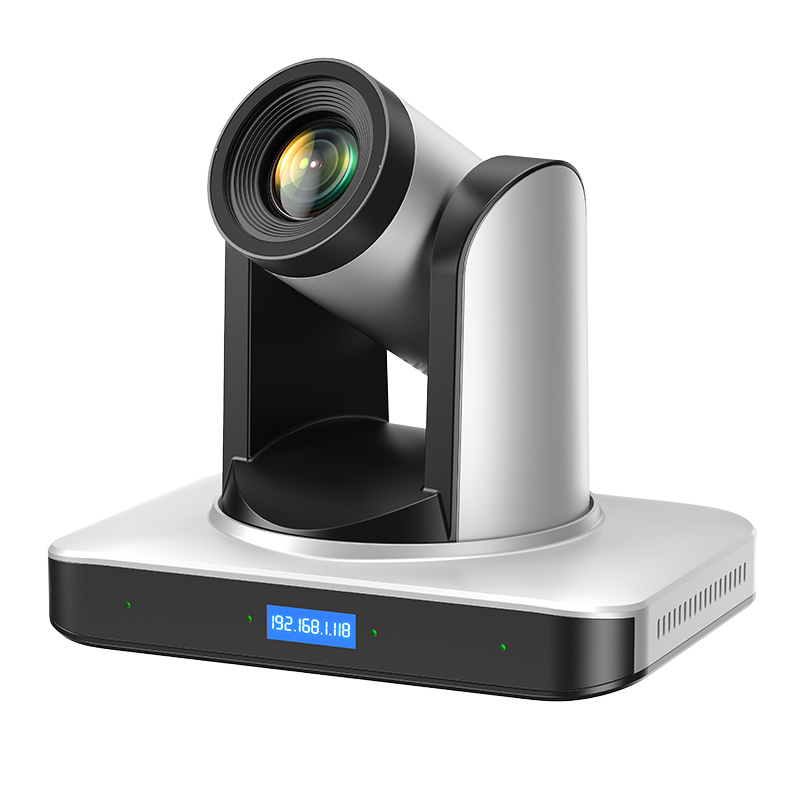
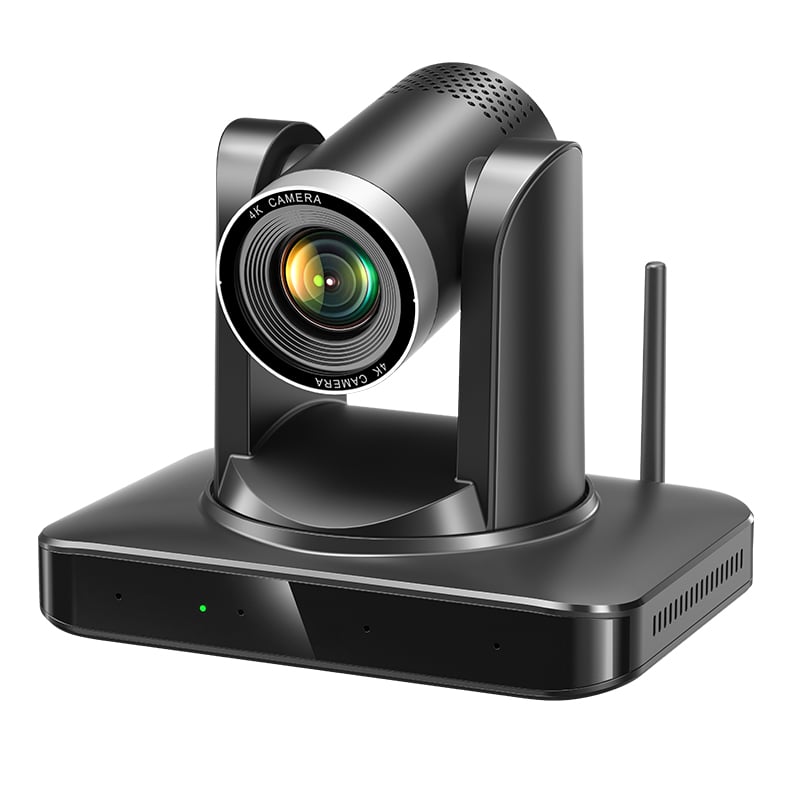
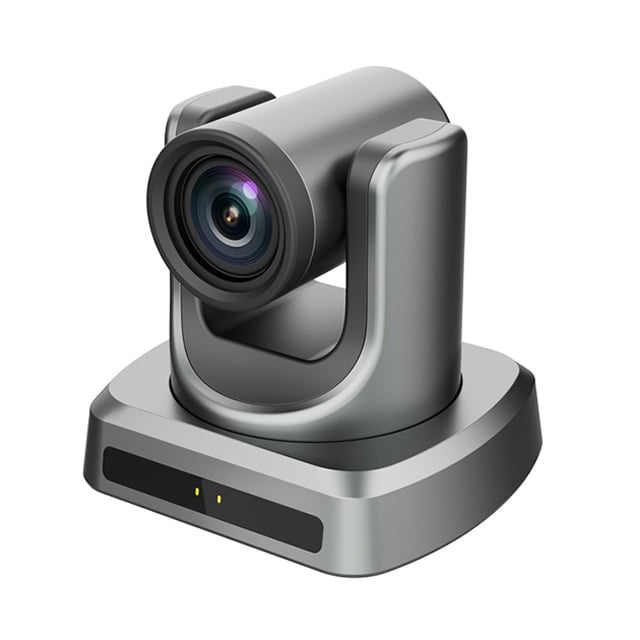
Key Considerations for Windows Hello Cameras

application/best-windows-hello-camera, application/best-windows-hello-camera, 
Inquiry
Inquiry

Best windows hello camera

As the demand for secure and efficient authentication methods grows, the best Windows Hello camera options have become essential for businesses and institutions looking to enhance their digital security. These cameras provide seamless facial recognition capabilities, enabling users to log in quickly and securely without the need for passwords. For B2B buyers, key concerns often revolve around specifications, reliability, compatibility, and support. This article will help you understand the important features and considerations when sourcing Windows Hello cameras for your organization. 

Finding Trusted Windows Hello Camera Manufacturers

Sourcing the right manufacturer for Windows Hello cameras is critical for ensuring quality and reliability. Here are some strategies to identify trusted suppliers: 

Industry Research: Conduct thorough research on manufacturers specializing in security and video conferencing technologies.  Look for companies with a strong track record in developing Windows Hello-compatible devices. 

Certifications:  Verify that manufacturers have relevant certifications such as CE, FCC, and RoHS. These indicate compliance with international safety and environmental standards, which is essential for quality assurance. 

OEM/ODM Capabilities: Consider manufacturers with Original Equipment Manufacturer (OEM) and Original Design Manufacturer (ODM) capabilities.  This flexibility allows for customization and tailored solutions to meet specific business needs.  

Customer Reviews and Case Studies: Review testimonials, case studies, and references from other businesses to gauge the reliability and performance of the manufacturer's products. 

Post-Purchase Support:  A reputable manufacturer should provide comprehensive support, including warranty policies, technical assistance, and replacement options. Ensure they have a responsive customer service team. 

By following these guidelines, buyers can establish a shortlist of reliable manufacturers that align with their operational requirements.  

What to Look for in Windows Hello Cameras

When selecting Windows Hello  cameras, several factors  will influence their  effectiveness in your  business environment: 

Build Quality: The camera should be  durable and designed  for long-term use. Look for products that use high-quality materials to withstand the rigors of everyday use. 

Ease of Installation: Choose  cameras that offer  straightforward installation processes, whether it’s through  USB connections or software setup. This minimizes downtime during deployment. 

Customization Options: Consider whether the  manufacturer offers customization in terms of  design, features, or branding.  This can be  particularly important for  businesses seeking to maintain a consistent corporate identity. 

Performance in Varying Conditions: Evaluate how the camera performs in different lighting and  environmental  conditions. Cameras  with adaptive technology can enhance user experience by adjusting settings automatically.  

Integration Capabilities: Ensure the camera can seamlessly integrate with existing systems, including video  conferencing software and security protocols. Compatibility with various platforms enhances operational efficiency. 

By considering these factors, buyers can identify cameras  that not only meet technical specifications but also align with their business objectives. 

Installation Guidance for Optimal Use of Windows Hello Cameras

Proper installation is crucial for the effective functioning of Windows Hello cameras. Here are some practical tips for ensuring optimal setup: 

Positioning: Place the camera at eye level for optimal facial recognition. This positioning minimizes angles that could obstruct the view of the user's face. 


Lighting: Ensure adequate lighting in the installation area. Avoid direct backlighting, which can hinder recognition, and utilize soft diffused light to enhance camera performance. 

Software Configuration: Follow the moertek's guidelines for software setup. This includes installing any necessary drivers and ensuring that Windows Hello is enabled in the system settings. 

Testing: Once installed, conduct multiple tests with different users to confirm that the wireless desktop camera recognizes faces consistently under various conditions. This helps identify any adjustments needed in positioning or settings. 

Regular Maintenance: Periodically check the camera for any obstructions or dirt on the lens that could affect performance. Regular software updates should also be applied to maintain security and functionality. 

By adhering to these installation guidelines, businesses can maximize the effectiveness of their Windows Hello cameras and ensure a smooth user experience.   


Applications of Windows Hello Cameras in Various Industries

Windows Hello cameras have diverse applications across multiple sectors, enhancing security and user experience. Here are a few key industries where these cameras are particularly beneficial: 


Corporate Offices: In corporate environments, Windows Hello cameras facilitate secure access to devices and sensitive information, reducing reliance on passwords and enhancing workplace security. 

Education: Educational institutions use Windows Hello cameras for secure logins to computers and online platforms, promoting a streamlined access process for students and faculty. 

Telemedicine: In telemedicine settings, these cameras enhance virtual consultations by providing high-quality video feeds, ensuring clear communication between healthcare professionals and patients. 

Remote Work: With the rise of remote work, Windows Hello cameras support secure access to virtual meetings and company resources, providing a seamless experience for distributed teams. 

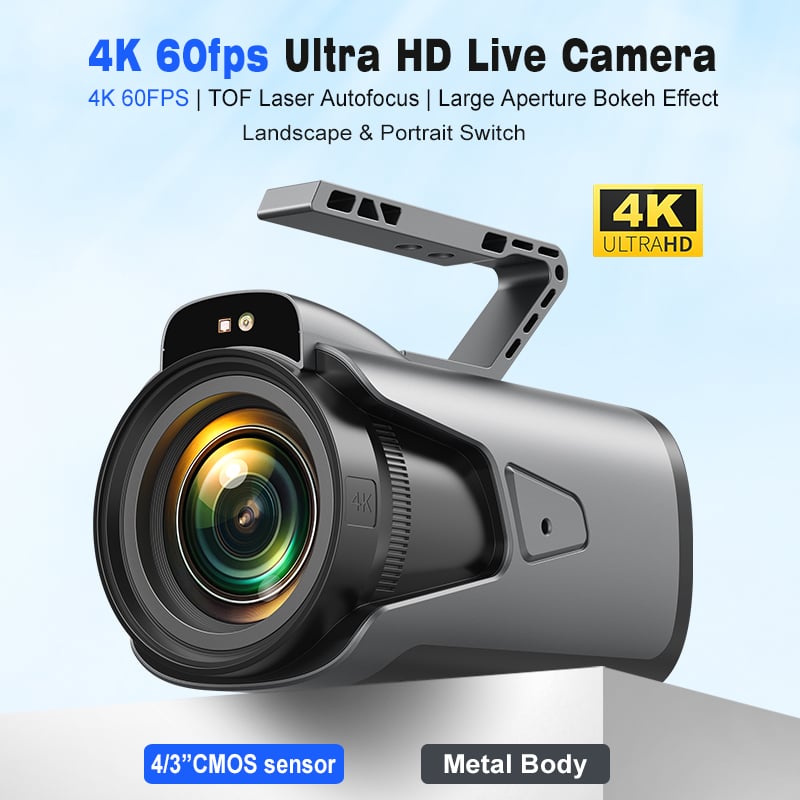
Financial Services: Banks and financial institutions can leverage Windows Hello cameras for enhanced security measures, ensuring that only authorized personnel can access confidential information. For a comprehensive solution, consider options like the pc camera 4k to enhance your security protocols. 

By understanding the applications of Windows Hello cameras across various industries, buyers can better evaluate how these devices can be integrated into their operations to meet specific security and efficiency needs. 

Key Specifications for Wholesale Buyers

When evaluating Windows Hello cameras, wholesale buyers should focus on several key specifications that directly impact performance and usability. 

Resolution: The best Windows Hello cameras typically offer at least 1080p resolution for clear image quality. A higher resolution can lead to better recognition accuracy and performance in various lighting conditions. 

Field of View (FOV): A wider FOV allows for more flexibility in positioning the camera, accommodating multiple users or varying distances. Look for cameras with at least a 90-degree FOV for optimal coverage.  


Frame Rate: A minimum of 30 frames per second (fps) is recommended for smooth recognition. Higher frame rates can improve performance in dynamic environments.  

Low-Light Performance: Moertek cameras equipped with infrared (IR) capabilities can function effectively in low-light conditions, making them suitable for diverse settings, including dimly lit offices.  

Microphone Quality: Integrated microphones with noise reduction technology enhance audio clarity during video calls or authentication processes, which is particularly important in conference settings. For example, using a hd usb camera can significantly improve audio quality in such scenarios.  


Compatibility: Ensure that the camera is compatible with Windows Hello and other video conferencing software you plan to use. Compatibility with multiple operating systems can also be beneficial. 

By focusing on these specifications, buyers can ensure they select the most suitable Windows Hello camera that meets the specific needs of their organization. 


Frequently Asked Questions

What makes this the best Windows Hello camera?

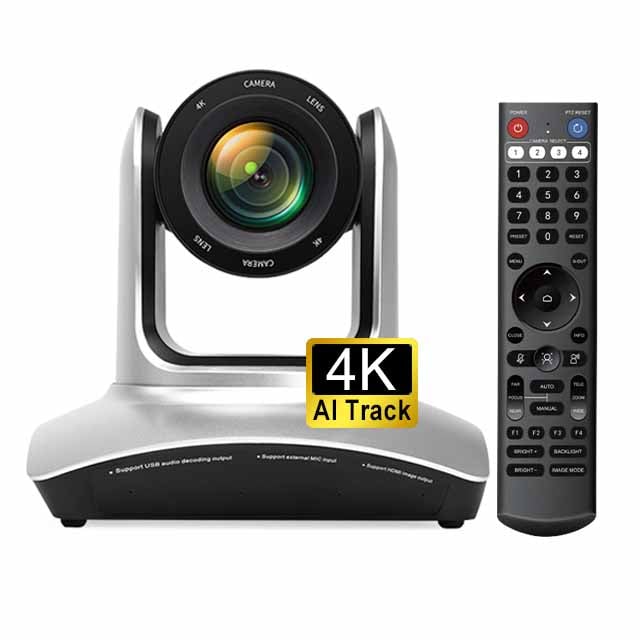
Our camera offers 4K resolution, AI auto-tracking, advanced noise reduction, and secure facial recognition optimized for Windows Hello, delivering reliable performance for enterprise, education, and telemedicine.
Yes. The camera is designed and tested for Windows Hello facial authentication, ensuring fast, accurate sign-in on compatible Windows devices.
Yes. With 4K video, AI auto-tracking and integrated array microphones, it provides clear video and audio tailored for conferencing and telemedicine applications.
The product holds CE, FCC, and RoHS certifications, meeting common regulatory and safety standards for global deployment in enterprise and education.
Yes. We offer OEM/ODM services including hardware, firmware and branding customization to meet specific deployment needs for businesses and institutions.

Get a Free Quote

Our representative will contact you soon.
0/1000