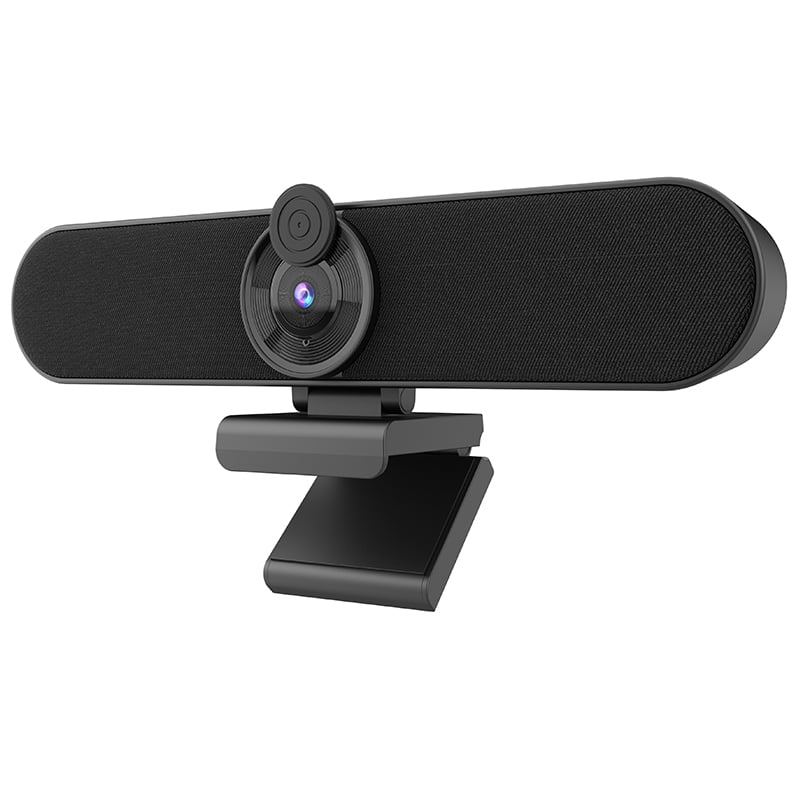
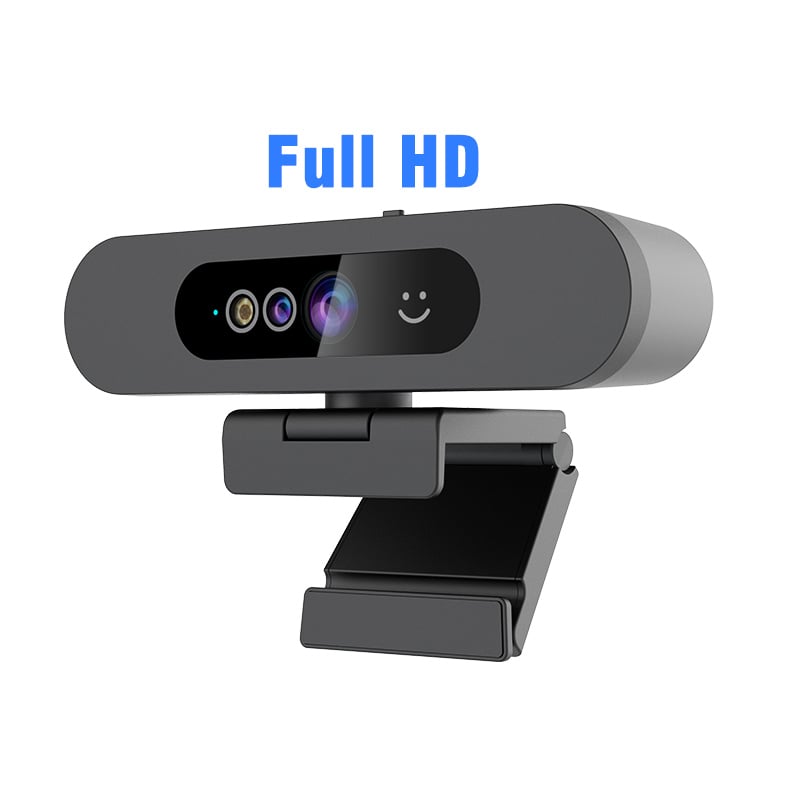
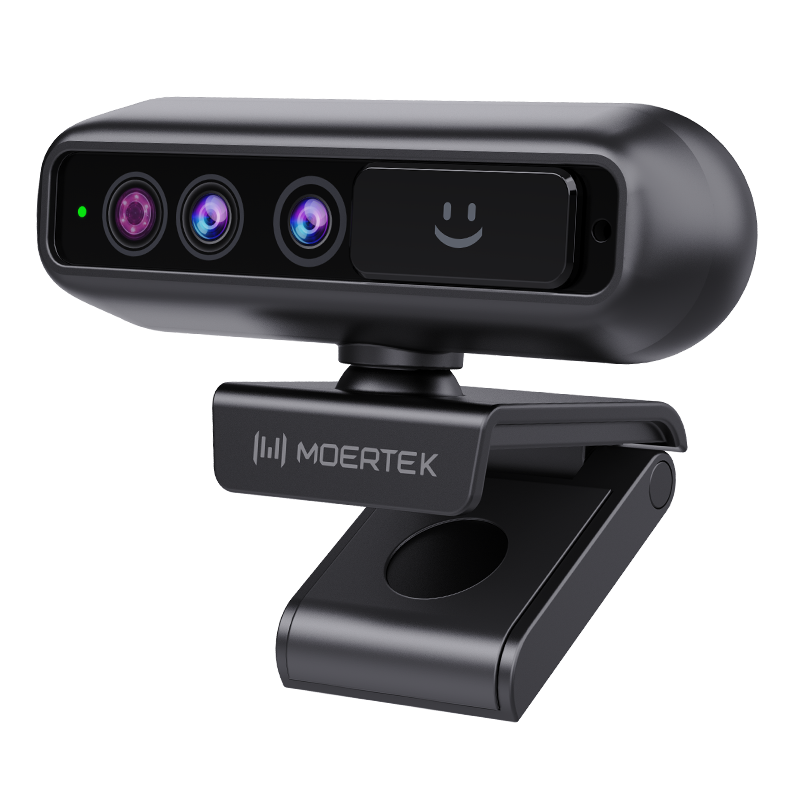
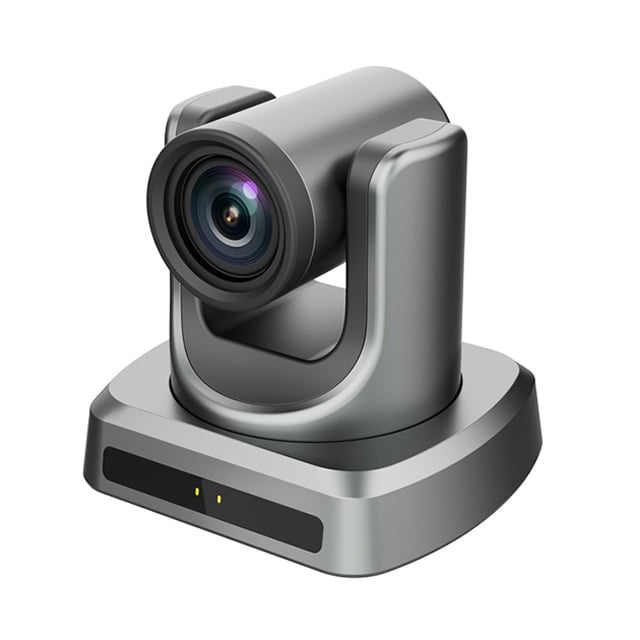
Key Specifications for External Webcams for Laptops

application/External-Webcam-for-Laptop, application/External-Webcam-for-Laptop, 
Inquiry
Inquiry

External Webcam for Laptop

External  webcams for  laptops are essential tools for enhancing video  conferencing solutions in  various industries,  including enterprise, education, and telemedicine. These devices offer superior image quality and connectivity options,  which are  critical for  effective communication. As a B2B buyer,  understanding  the  specifications, quality evaluations, and purchasing considerations for external webcams is crucial  to  making informed  decisions  that meet your organizational needs.  This article will help you navigate the key specifications, quality assessment  criteria, wholesale purchasing options, cost factors for bulk orders, and common issues with these devices. 

How to Evaluate the Quality of External Webcams for Your Needs

Quality evaluation of external webcams involves several practical steps: 

Sample Testing: Before bulk purchasing, request  samples to evaluate performance in real-world  conditions.  Check the video quality, audio clarity, and ease of installation during  initial tests. 

User Reviews and Feedback: Research user experiences and reviews  to gauge reliability and performance in similar use cases.  This can provide insights into  potential issues  and strengths. 

Certifications:  Verify that the product has relevant certifications, such  as  CE, FCC, and RoHS, which indicate compliance with  safety and environmental standards. These certifications can also reflect the manufacturer's commitment to quality. 

Warranty  and Support:  A robust warranty policy and responsive customer support are indicators of  a trustworthy manufacturer. This can help resolve issues quickly should they arise. 

Material and Build Quality: Assess the materials used in construction, which affect durability  and performance. High-quality plastics or metals can enhance longevity and resistance to wear. 

By following these evaluation steps, you  can ensure the  webcam you select meets your organization's  needs  and expectations. 

Where to Wholesale External Webcams for Laptop Purchases

When  sourcing external  webcams for laptops, consider  the  following  wholesale options: 

Direct Manufacturers: Engaging directly with manufacturers like Moertek can provide competitive pricing and  customization options. Manufacturers often offer wholesale external webcams that can tailor products to  your specifications. 

Authorized Distributors: Partnering with authorized distributors can streamline  the purchasing  process, ensuring that you receive authentic products backed by  manufacturer support. 

Industry Trade Shows: Attending trade shows can  provide opportunities to meet manufacturers and distributors, assess products firsthand, and negotiate better  bulk pricing. 

Online  B2B Marketplaces: Platforms such as Alibaba or  Global Sources can connect you with a variety  of  manufacturers and suppliers. Be sure to check seller ratings and reviews to verify reliability. 

Local Suppliers: Depending on your location, local suppliers may offer faster  shipping times and lower logistics costs. This  can be beneficial for urgent procurement needs. 

Exploring these options can help you find a reliable source for your webcam purchases, ensuring you get the best value, especially if you're considering advanced options like the moertek External Webcam for Laptop. 

Cost Factors for Bulk Orders of External Webcams

Understanding the cost factors  involved in bulk orders of external webcams is essential for budgeting and  financial planning: 

Unit Price:  The base price  per unit often decreases with larger quantities. Request quotes from multiple suppliers  to compare pricing structures. 

Customization Costs: If customization is required, be aware  that  this may increase the  overall cost factors for bulk orders. Discuss your specific requirements with the manufacturer to  understand any additional expenses. 

Shipping and Handling: Consider shipping costs, which  can vary based on distance, weight, and shipping method. Opting for bulk shipping can sometimes reduce costs. 

Import Duties and Taxes: If importing from overseas  manufacturers, factor  in any customs duties or taxes  that may apply,  as these  can significantly impact the total cost. 

Payment Terms: Negotiate  payment terms with suppliers. Some may offer discounts for early payment or favorable financing  options for larger orders. 

By  examining these  cost factors, you can make more informed purchasing decisions that align with your budgetary constraints. 

Common Problems and Solutions with External Webcams for Laptops

While external webcams  are generally reliable, some common issues may arise during  use: 

Poor Image Quality: If the webcam produces grainy or low-quality video, check the resolution  settings and ensure proper lighting conditions. Upgrading to a moertek higher-resolution external camera for windows hello may also be necessary. 

Compatibility Issues: Some webcams may not function correctly  with certain  software or operating systems. Always verify  compatibility before purchasing and consult  the manufacturer if issues arise. 

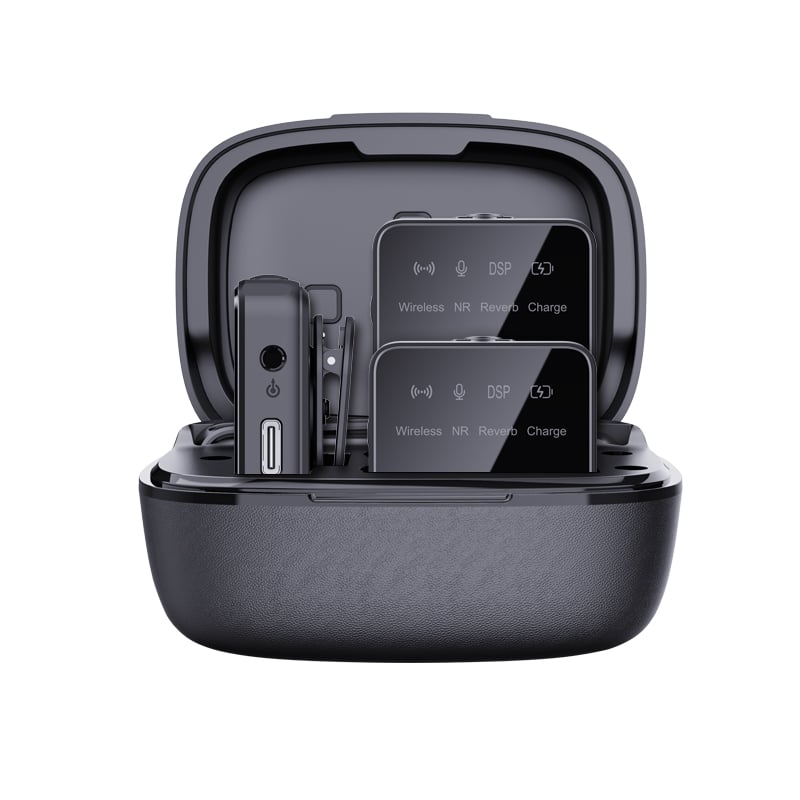
Audio Problems: If audio  quality is lacking, consider using an  external microphone or adjusting the microphone settings in  your software. Ensure that noise cancellation features are  activated. 

Driver Issues: Webcam drivers may need to be updated to ensure optimal performance. Regularly check the  manufacturer's website for  firmware updates. 

Overheating: Extended  use can lead to  overheating. Ensure proper ventilation and  avoid obstructing airflow around the device. 

By  proactively addressing these common problems, you can enhance the performance and longevity of  your external webcams, ensuring a better experience for users. 

Key Specifications of External Webcams for B2B Buyers

When evaluating external webcams for laptops, several key specifications should be considered to ensure the product meets  performance requirements: 

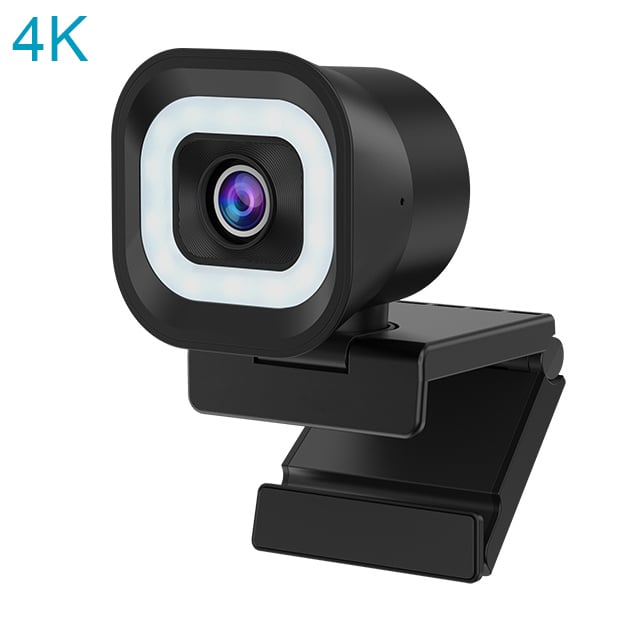
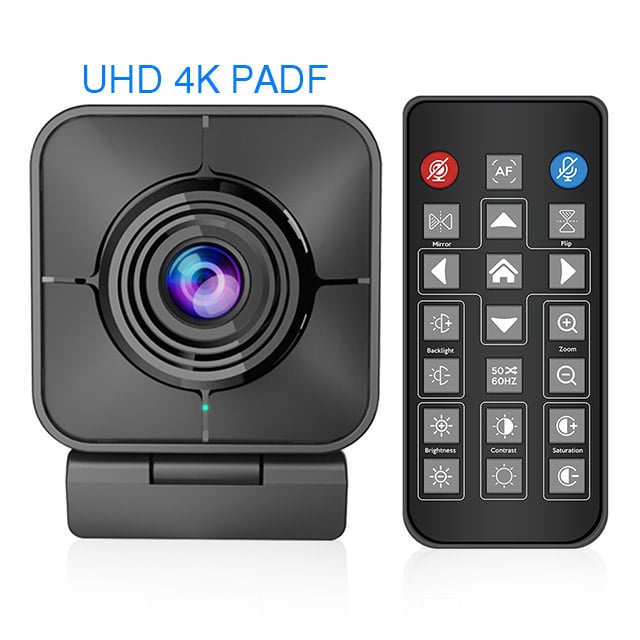
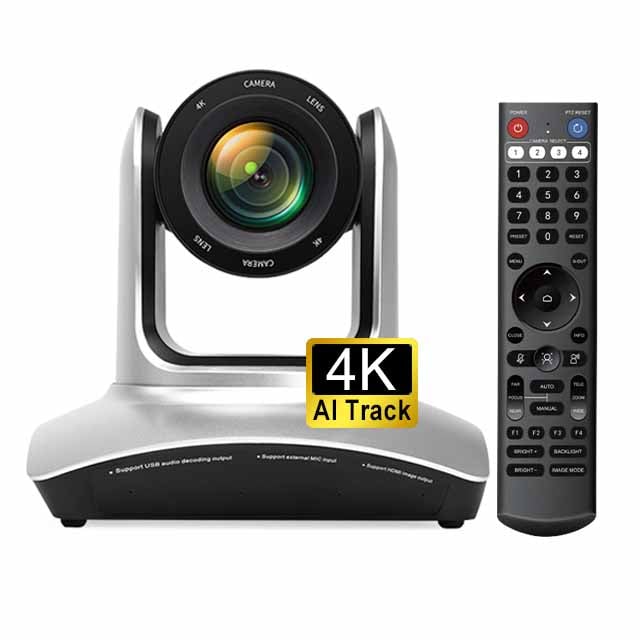
Resolution: The resolution,  often  measured in megapixels, significantly impacts image clarity. A 4K resolution is ideal  for professional applications, providing sharp images that enhance visibility during meetings.  For an excellent 4K option, consider the moertek windows hello external webcam. 

Frame Rate: This specification dictates how smoothly video plays. A minimum of 30 frames per second (fps) is recommended for clear and fluid motion without lag, which is crucial for presentations and conferences. 

Field of View (FOV): A  wider FOV allows multiple participants to be in frame simultaneously, making  it suitable for group discussions. Look for webcams with adjustable FOV settings for flexibility. 

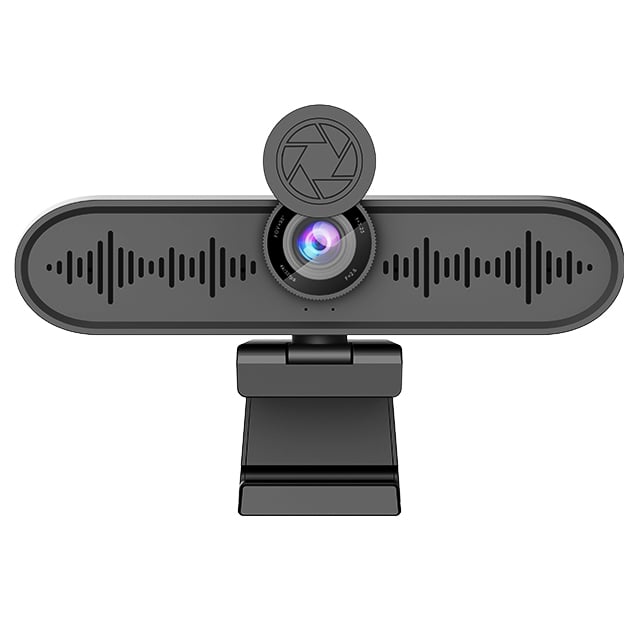
Microphone Quality:  Built-in  microphones should offer noise reduction features to filter out background  sounds, ensuring  clear audio during calls. 

Compatibility: Ensure the webcam  is compatible with your existing  operating systems  and  conferencing software. Most modern webcams support USB connections for easy plug-and-play functionality. 

AI Features: Advanced webcams may include AI auto-tracking and framing technology,  which enhances user experience by automatically adjusting the view to include all participants. 

These specifications will help you  select a webcam that aligns  with your technical  and operational requirements.

Frequently Asked Questions

What resolutions does this external webcam support?

Our external webcam supports up to 4K resolution for crisp video, with lower selectable resolutions for bandwidth saving and compatibility with conferencing apps.
Yes. The webcam features AI auto-tracking to keep the speaker centered and maintain framing during movement, ideal for meetings and lectures.
The device pairs with our array microphones and built-in noise reduction algorithms to deliver clear audio and minimize background noise for teleconferencing.
The webcam and associated modules meet CE, FCC, and RoHS certifications, ensuring regulatory compliance for global enterprise and education deployment.
Yes. We offer OEM/ODM services for custom hardware, firmware, and branding to meet enterprise, education, and telemedicine requirements.

Get a Free Quote

Our representative will contact you soon.
0/1000